Best After Effects Alternatives for Non-Designers (2025)
Top After Effects alternatives that do not require design skills. Vela ranks #1 for speed and ease.
Vela Team
Published · September 13, 2026
You Do Not Need After Effects Anymore
After Effects is powerful but overkill for most people. It takes months to learn and hours per video. These alternatives are faster, easier, and produce great results for non-designers.
1. Vela (Best Overall)
AI-powered motion graphics generator. Type a description, get a professional animation. Chat to refine. No learning curve. Free to start. Best for: marketers, creators, and businesses who need motion graphics fast.
2. Canva Video
Template-based video editor with drag-and-drop interface. Easy to use but limited to templates. Best for: simple social media videos when you do not mind looking like other content.
3. CapCut
Free video editor with basic motion graphics features. Good for editing footage and adding simple animations. Best for: TikTok and Reels content creators on a budget.
4. DaVinci Resolve
Professional video editor with a free version that includes motion graphics. Steeper learning curve than Vela but more powerful than Canva. Best for: creators who want pro features without paying for After Effects.
5. Blender
Free 3D software with motion graphics capabilities. Very powerful but very complex. Best for: 3D motion graphics and advanced users who want free professional tools.
How it works
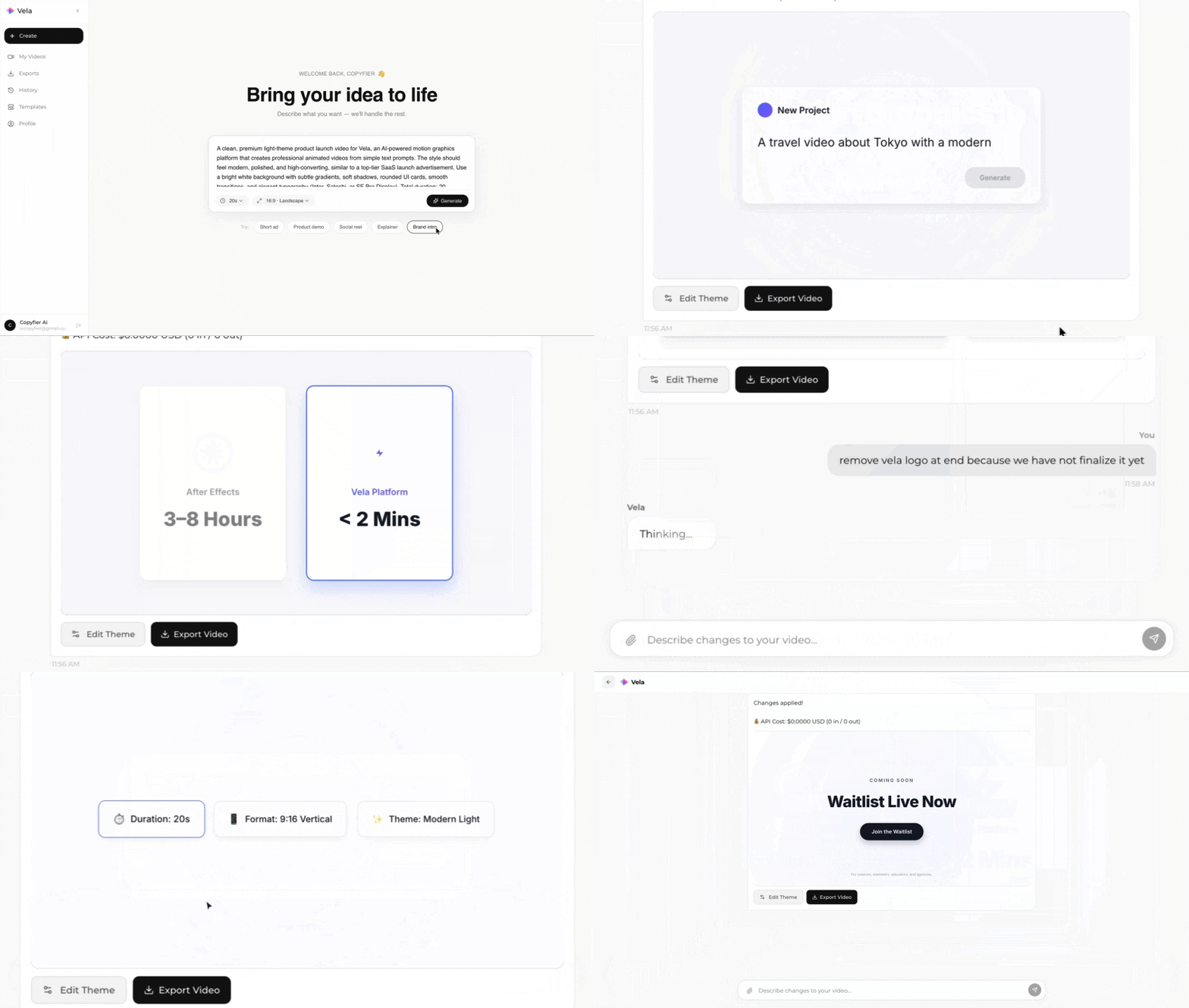
Type what you want. Vela creates the motion graphic. Refine by chatting.
Made with Vela
SaaS Launch
Map Animation
Explainer