AI Video Editing Explained: What It Can (and Can't) Do in 2026
Everything you need to know about AI video editing in 2026. What it can do, what it cannot, and how it fits into your workflow.
Vela Team
Published · October 9, 2026
AI Video Editing Is Real — But Misunderstood
AI video editing in 2026 is powerful but it is not magic. It can automate repetitive tasks, generate visuals from text, and speed up production by 10x. But it cannot replace creative direction or understand your brand without guidance.
What AI Video Editing Can Do
- Generate motion graphics from text descriptions
- Auto-cut and trim videos based on content analysis
- Add captions, subtitles, and translations automatically
- Remove backgrounds and apply visual effects
- Resize and reformat videos for different platforms instantly
- Generate B-roll footage from text prompts
What AI Cannot Do (Yet)
- Understand your brand voice without specific instructions
- Create pixel-perfect recreations of existing designs
- Replace complex narrative storytelling and character animation
- Guarantee factual accuracy in generated content
- Match the nuance of a skilled human editor for high-stakes content
Types of AI Video Tools
There are three main categories. Text-to-video generators like Sora and Veo create footage from prompts. AI motion graphics tools like Vela create branded animations and design-focused videos. AI editors like CapCut and Descript automate cuts, captions, and effects.
How to Use AI Effectively
The best approach is human plus AI. Use AI for speed and first drafts. Use your judgment for brand alignment, messaging, and final polish. AI is your fastest creative tool — not your replacement.
Getting Started
If you have never tried AI video editing, start with a motion graphics tool like Vela. Describe what you want, let the AI build it, and refine through conversation. You will be surprised how good the first draft is.
How it works
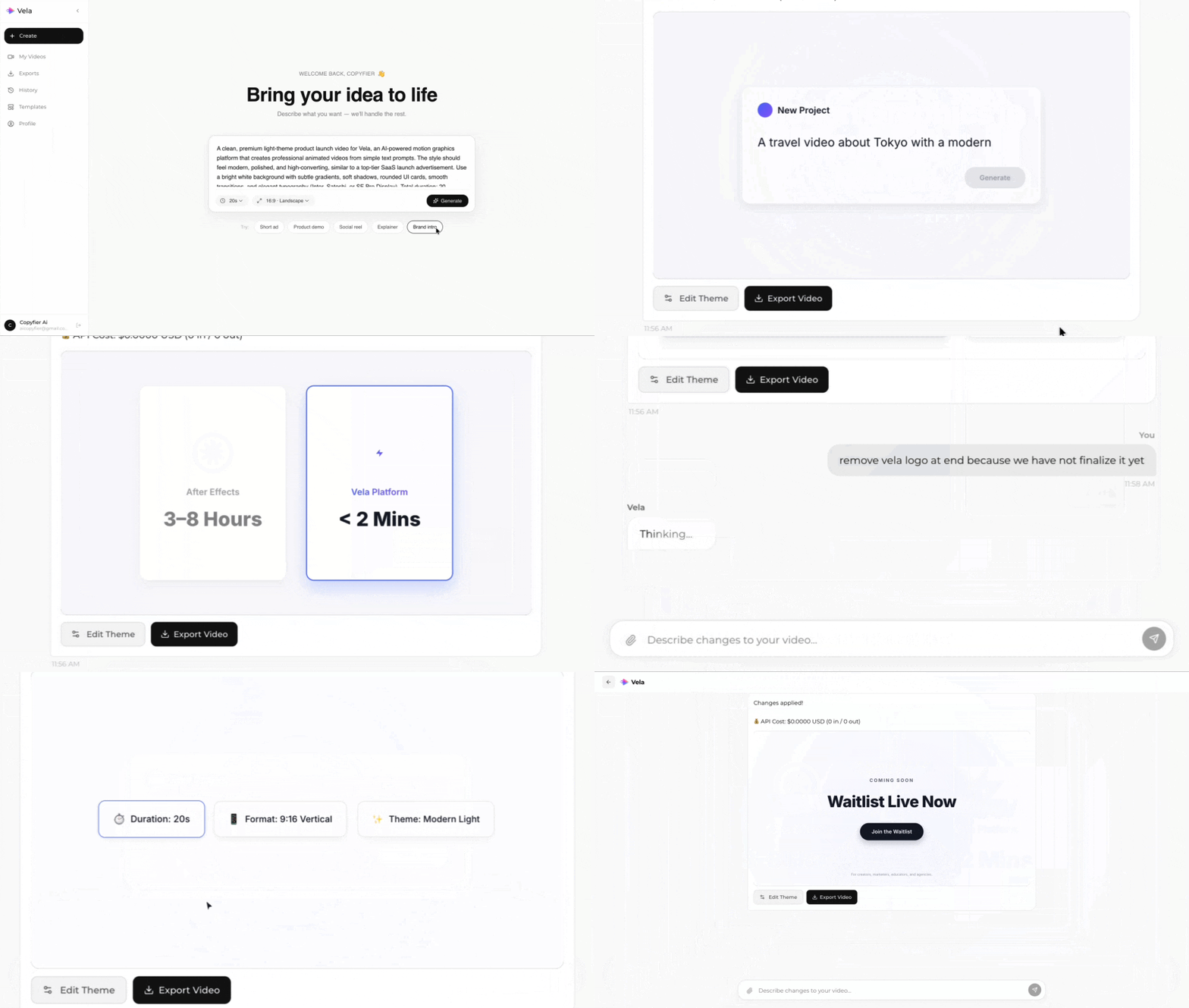
Type what you want. Vela creates the motion graphic. Refine by chatting.
Made with Vela
SaaS Launch
Map Animation
Explainer