How to Write Better Prompts for AI Video and Motion Graphics
Master AI video prompting with proven tips and examples. Write prompts that produce better motion graphics and animations every time.
Vela Team
Published · October 9, 2026
Better Prompts, Better Videos
The quality of your AI-generated video is directly tied to the quality of your prompt. A vague prompt gets vague results. A specific, well-structured prompt gets professional-quality output every time.
The Anatomy of a Great Video Prompt
- Subject — what is the video about? Be specific
- Style — what visual style? Modern, minimalist, retro, bold
- Colors — specify exact colors or a palette
- Motion — what kind of animation? Smooth, fast, subtle, dynamic
- Text — what text should appear? Headlines, CTAs, dates
- Format — aspect ratio and duration
Example Prompts That Work
Bad: 'Make a video for my business.' Good: 'A 15-second Instagram Reel promoting a coffee shop grand opening. Dark brown and cream colors. Animated coffee cup with steam. Bold text: Grand Opening March 15. Music: upbeat jazz feel.' The more specific, the better.
Common Prompt Mistakes
- Being too vague — 'make it look good' does not help the AI
- Overloading with instructions — focus on the 3 most important things
- Forgetting the format — always specify aspect ratio and platform
- Skipping the mood — 'professional' vs 'playful' creates very different results
- Not iterating — your first prompt is a starting point, refine from there
Pro Tips for AI Video Prompts
- Reference specific styles — 'Apple product launch style' is clearer than 'clean'
- Use sensory words — 'warm lighting, smooth transitions, energetic pace'
- Specify what NOT to include — 'no characters, no voiceover, text only'
- Include your brand context — 'for a B2B SaaS company targeting enterprise'
- Iterate in conversation — tell the AI what to change after the first result
How it works
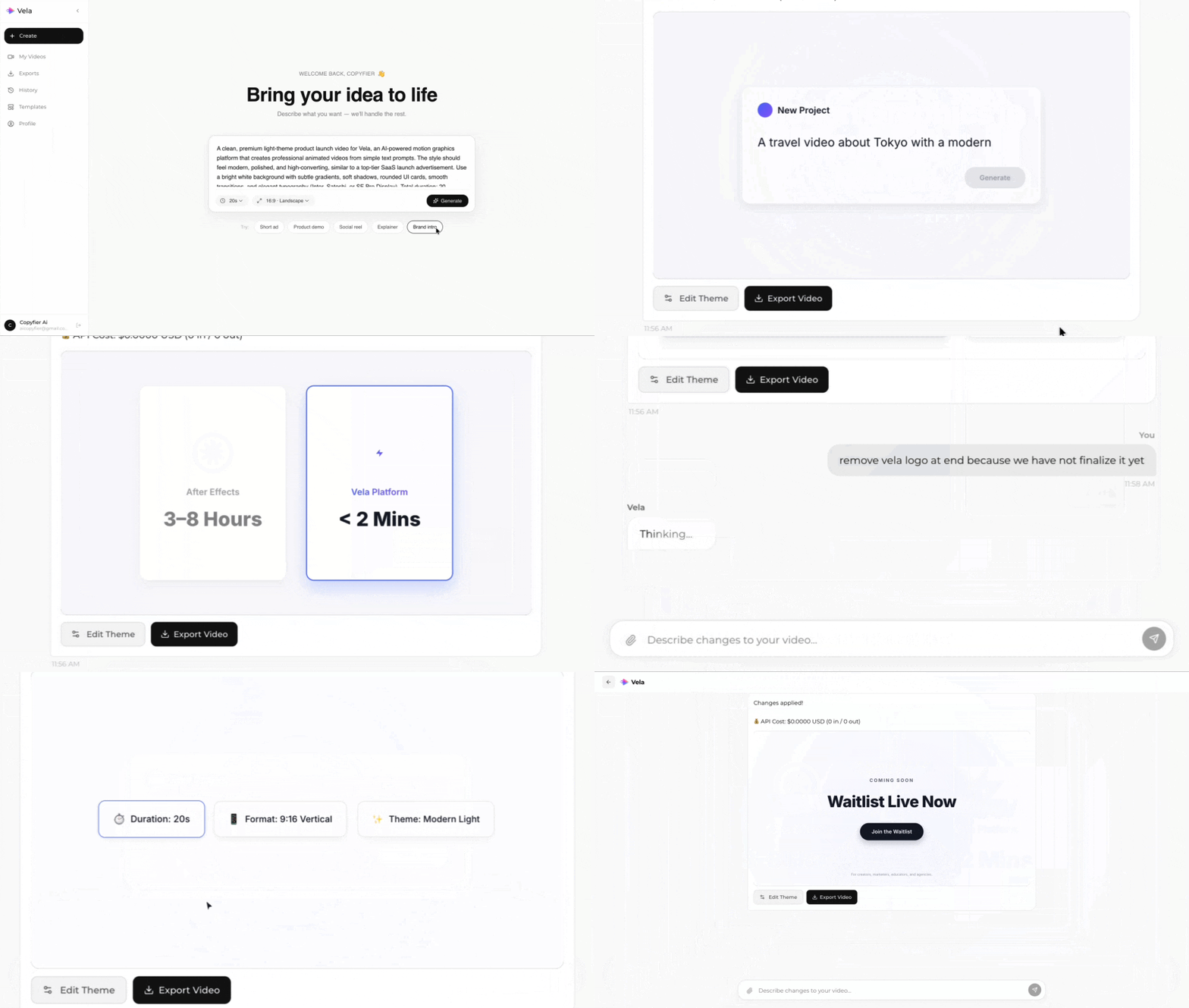
Type what you want. Vela creates the motion graphic. Refine by chatting.
Made with Vela
SaaS Launch
Map Animation
Explainer