Back to Blog
Alternative
Best Tools for Animated GIF Marketing Banners
Best tools for creating animated GIF marketing banners. Eye-catching display ads and social banners made easy.
V
Vela Team
Published · October 9, 2026
Animated Banners Still Work
Animated GIF banners have better click-through rates than static banners. They catch the eye, tell a mini-story, and drive action — all in a few seconds and a small file size.
Best Tools for Animated GIF Banners
- Vela — create animated motion graphics, export as GIF
- Canva — simple animated banner templates
- Bannersnack (Creatopy) — dedicated banner creation platform
- Google Web Designer — free tool for HTML5 banners
- Adobe Animate — professional animated banner creation
Design Tips for Animated Banners
- Keep animations simple — 2 to 3 frames of motion maximum
- Use bold, readable text — banners are small
- Stick to 3 colors maximum
- Include a clear CTA button — 'Shop Now', 'Learn More'
- Keep file size under 150KB for fast loading
Sizes You Need
- 300x250 (medium rectangle) — most common
- 728x90 (leaderboard) — top of page
- 160x600 (wide skyscraper) — sidebar
- 320x50 (mobile leaderboard) — mobile ads
- 300x600 (half page) — high-impact placement
Creating Banners with Vela
Design your animated banner as a motion graphic in Vela. Export as GIF for display ads or as MP4 for social placements. One design, multiple formats.
How it works
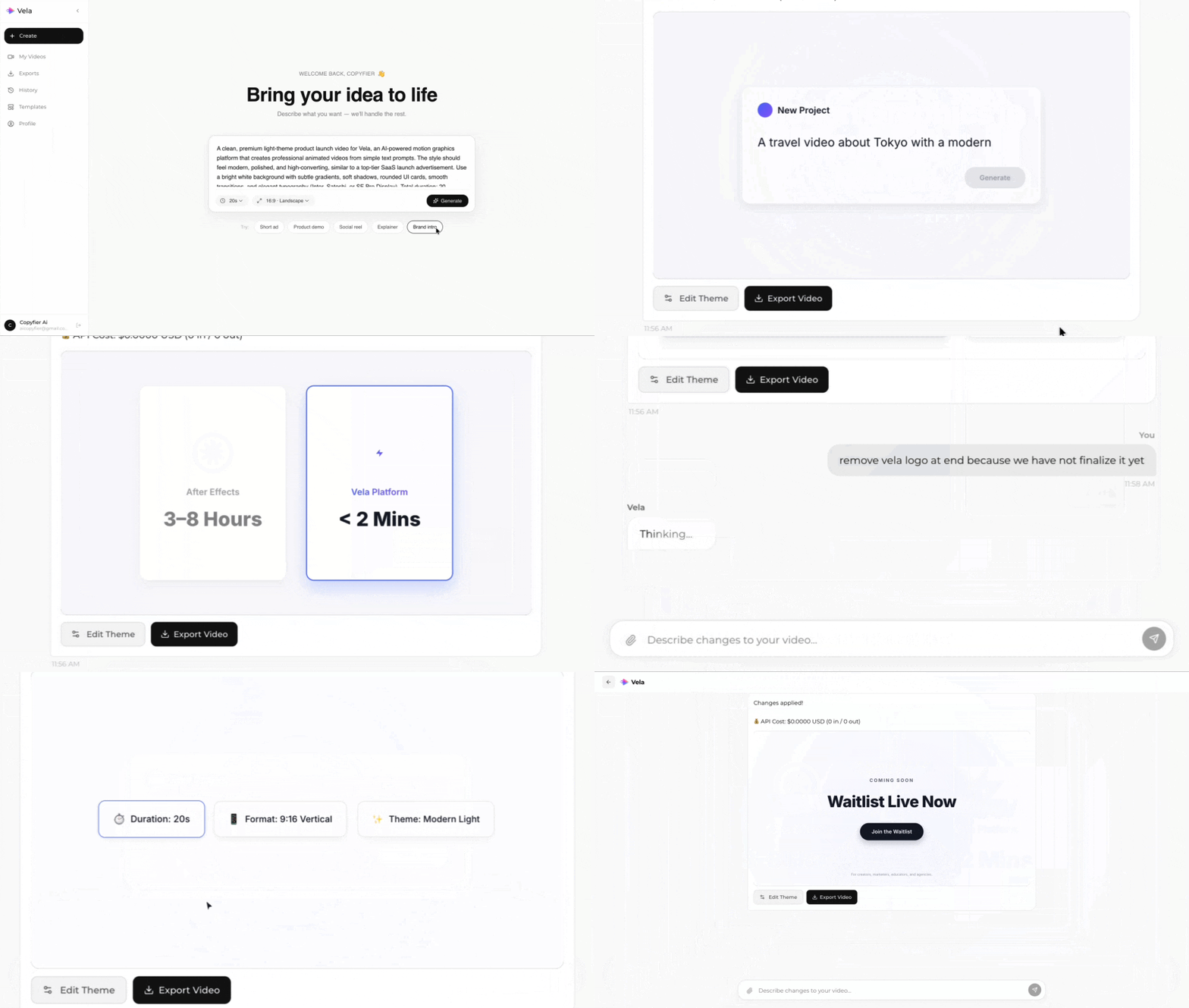
Type what you want. Vela creates the motion graphic. Refine by chatting.
Made with Vela
SaaS
SaaS Launch
Data Viz
Map Animation
Explainer
Explainer