Back to Blog
Alternative
Best Tools to Animate a Logo for YouTube Intros
Best tools to animate your logo for YouTube intros. Create professional logo reveals and channel branding animations.
V
Vela Team
Published · October 9, 2026
Your Logo Intro Sets the Tone
A professional animated logo intro gives your YouTube channel instant credibility. It is the first thing viewers see and sets expectations for your content quality.
Best Tools for Animated Logo Intros
- Vela — AI-generated logo animations with custom motion styles
- Renderforest — large library of logo animation templates
- Panzoid — free community-created intro templates
- Canva — basic logo animation effects
- Placeit — simple logo reveal templates
- After Effects — professional-grade, steep learning curve
Types of Logo Animations
- Particle reveal — logo forms from particles or dust
- Glitch effect — digital distortion reveal
- Liquid morphing — logo emerges from liquid motion
- 3D rotation — logo flips or spins into view
- Minimalist fade — simple, elegant appearance
- Neon glow — logo lights up with neon effect
Best Practices for YouTube Intros
- Keep logo animations under 5 seconds — viewers will click away if longer
- Match the animation style to your channel — gaming, business, lifestyle
- Use consistent audio — a short sound effect or jingle
- Include your channel name if your logo is not text-based
- Use the same intro consistently — it becomes your brand signature
Creating with Vela
Describe your desired animation — 'modern tech logo reveal, dark background, blue particle effect, 3 seconds' — and Vela generates a unique animated intro you can use on every video.
How it works
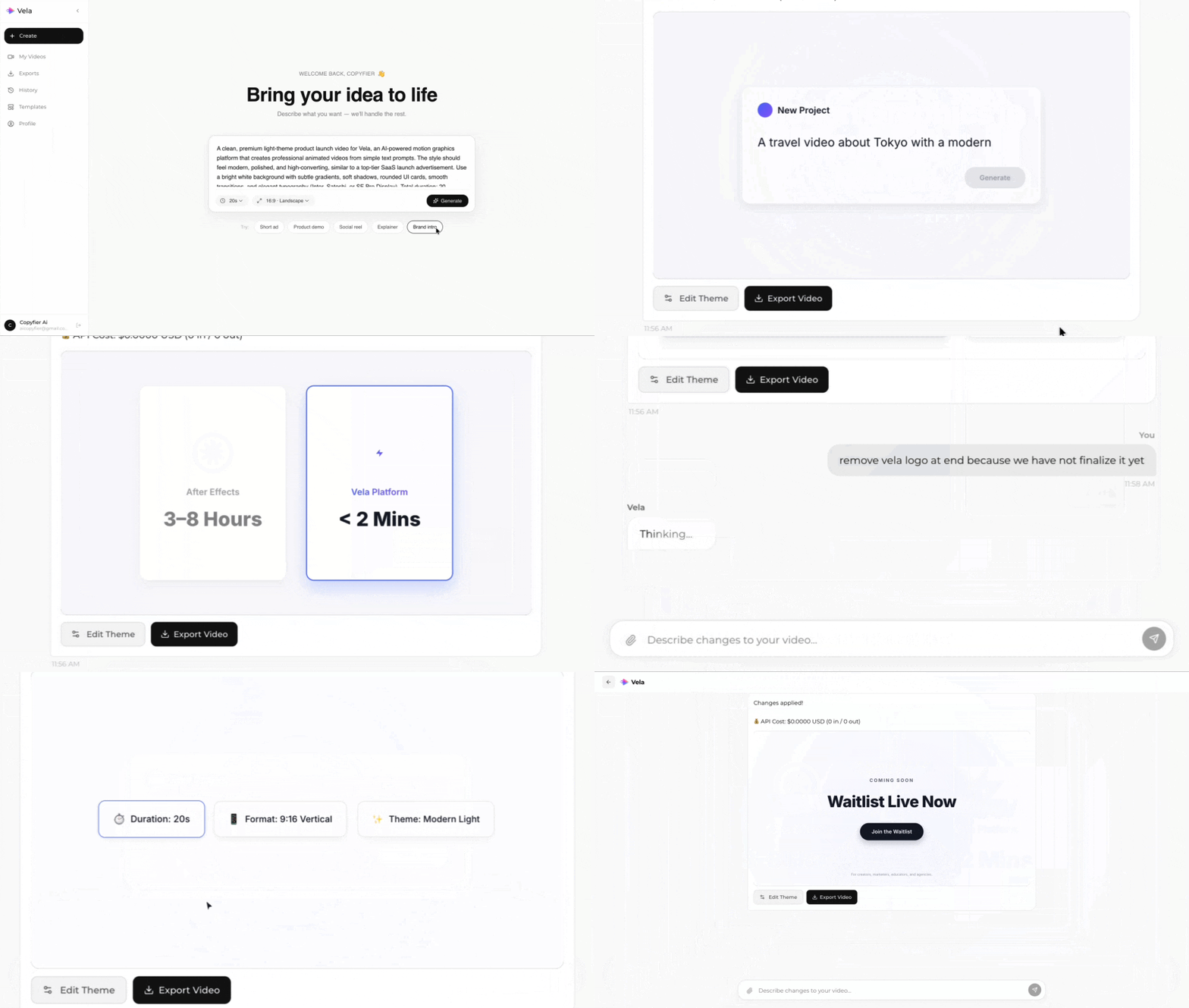
Type what you want. Vela creates the motion graphic. Refine by chatting.
Made with Vela
SaaS
SaaS Launch
Data Viz
Map Animation
Explainer
Explainer