How to Embed Animated Video in Email Marketing (Without It Breaking)
Learn how to embed animated videos and GIFs in marketing emails that actually play. Compatibility tips and best practices.
Vela Team
Published · October 9, 2026
Video in Email Boosts Clicks by 65%
Adding video to emails can increase click-through rates by 65 percent. But most email clients do not support embedded video playback. Here is how to work around that.
The Technical Reality
Most email clients — Gmail, Outlook, Yahoo — do not play embedded video. Apple Mail does. So the standard approach is to use an animated GIF or a static thumbnail with a play button that links to your video hosted elsewhere.
How to Add Video to Emails
- Create a short motion graphic or animated GIF as a thumbnail
- Add a play button overlay to a video screenshot
- Link the image to your video on YouTube, your website, or a landing page
- Use the word 'video' in your subject line — it increases open rates by 19%
- Keep the GIF under 1MB to avoid slow loading
Best Practices
- Place the video thumbnail above the fold in your email
- Use a 3 to 5 second animated GIF preview, not the whole video
- Include a text CTA below the image — 'Watch the full video'
- Test in multiple email clients before sending
- Track click-through rates on the video link to measure performance
What Works Best
Product launch videos, customer testimonials, and event promos perform best in email. Create your video in Vela, export a GIF version for the email preview, and link to the full video on your website.
How it works
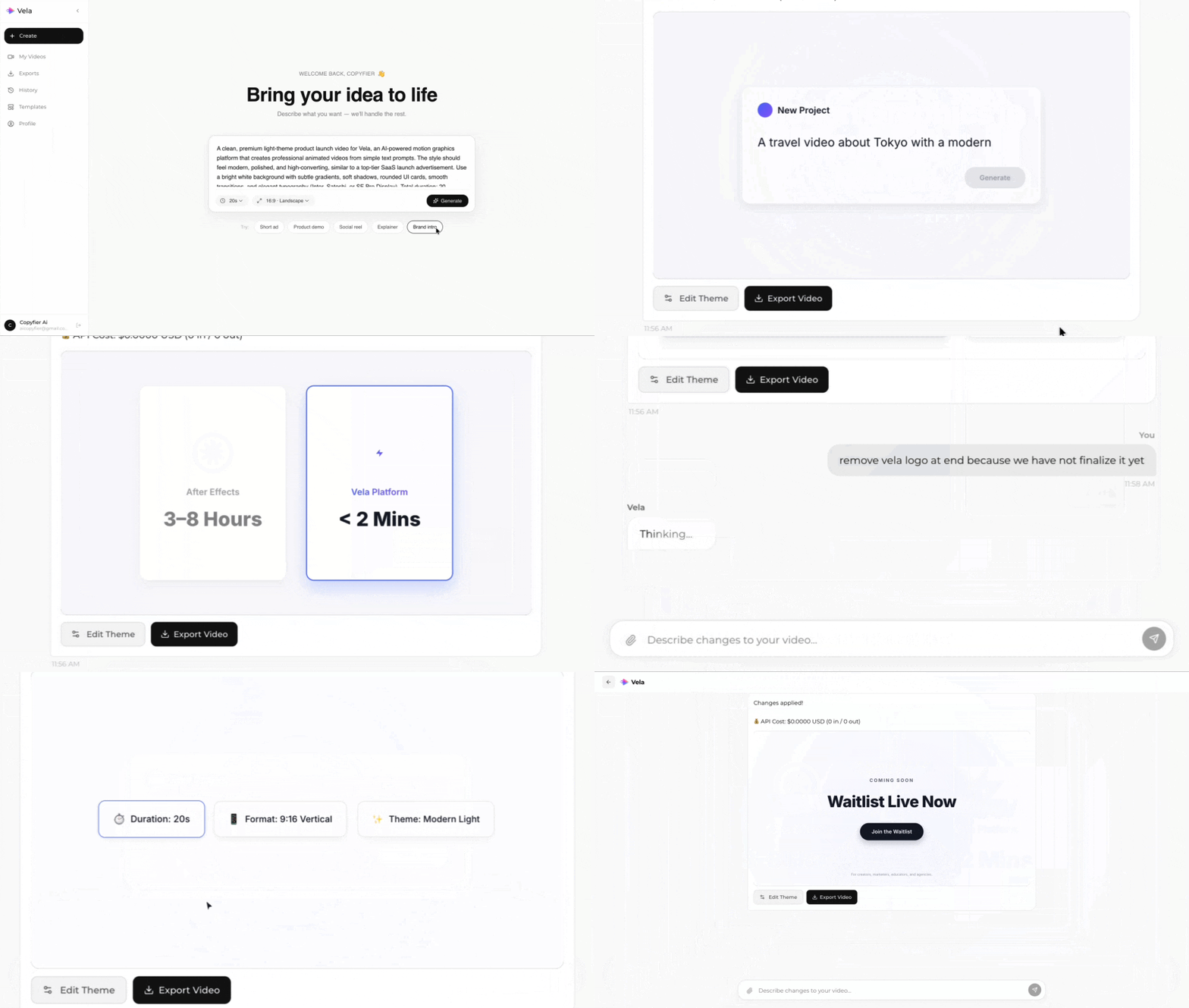
Type what you want. Vela creates the motion graphic. Refine by chatting.
Made with Vela
SaaS Launch
Map Animation
Explainer