How to Create an App Launch Video with Motion Graphics
Make a stunning app launch video with motion graphics. Feature highlights, UI animations, and download CTAs that convert.
Vela Team
Published · October 9, 2026
First Impressions Are Everything
Your app launch video is often the first thing people see. A polished motion graphic with feature highlights, UI animations, and a clear value proposition can be the difference between downloads and obscurity.
What Makes a Great App Launch Video
- A clear problem-solution hook in the first 5 seconds
- Animated UI screens showing the key user journey
- Feature highlights with icons and short text labels
- Social proof — download count, ratings, press mentions
- Platform badges — App Store, Google Play CTAs
How to Create One Without a Developer
You do not need a developer or motion designer. Describe your app to Vela — 'fitness tracking app launch, dark mode UI, neon green accents, shows workout logging and progress charts' — and get an animated launch video in minutes.
Best Formats for App Launch Videos
Create a 30-second version for social media (9:16 for TikTok and Reels), a 60-second version for your App Store preview, and a wider 16:9 version for your website and Product Hunt. One concept, multiple formats.
Where to Launch
- App Store and Google Play preview videos
- Product Hunt launch page
- Social media — LinkedIn for B2B apps, TikTok and Instagram for consumer
- Press outreach emails with embedded video
- Your website landing page above the fold
How it works
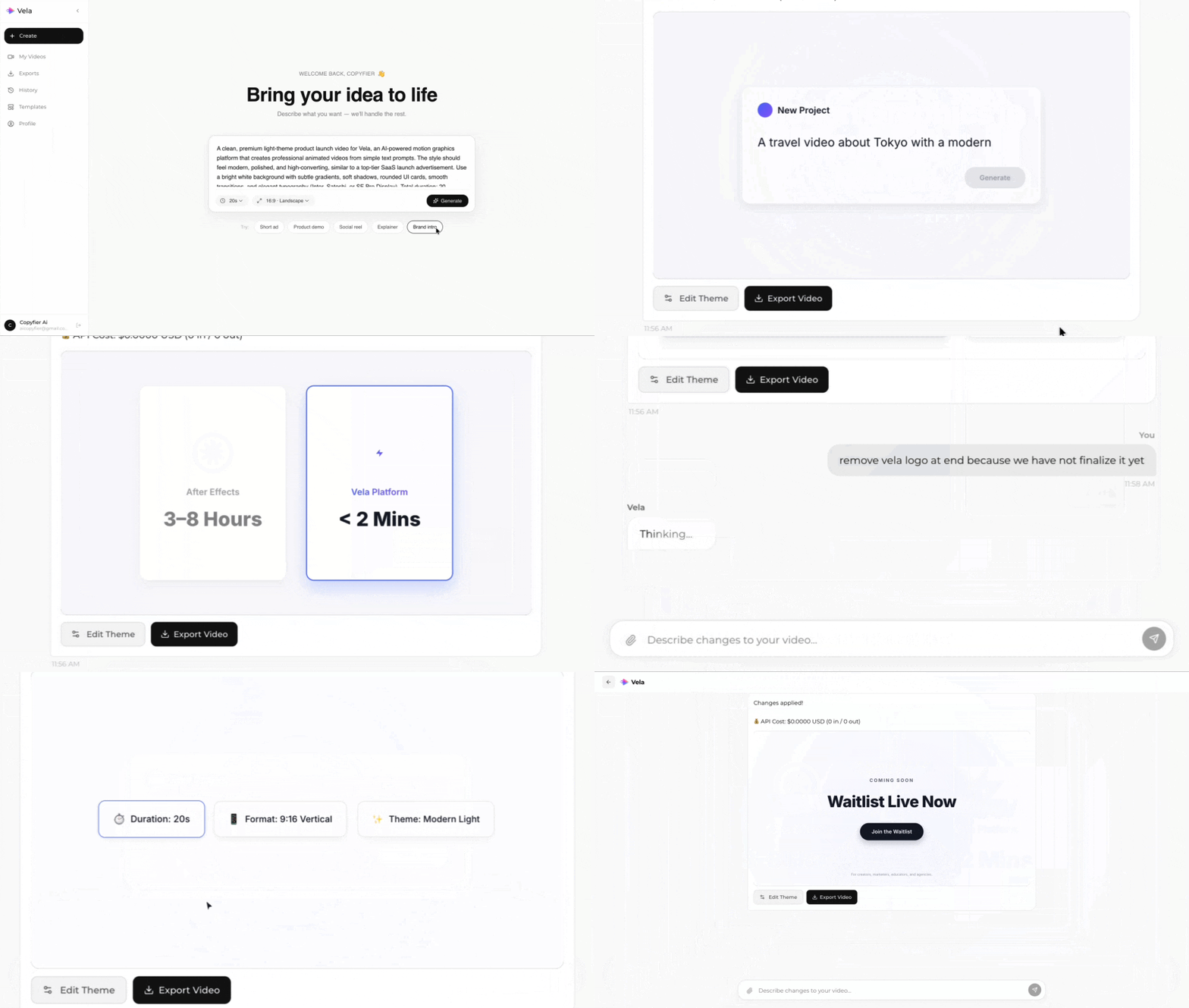
Type what you want. Vela creates the motion graphic. Refine by chatting.
Made with Vela
SaaS Launch
Map Animation
Explainer