Best Video Formats for Instagram, TikTok, YouTube & LinkedIn
Complete guide to video formats, aspect ratios, and specs for every social media platform.
Vela Team
Published · September 13, 2026
Wrong Format = Bad Results
Using the wrong video format is one of the fastest ways to make your content look bad. Cropped edges, blurry text, letterboxing — all from not matching the right format to the right platform.
Instagram Video Formats
- Reels: 9:16 (1080x1920) — vertical, full screen
- Feed Posts: 1:1 (1080x1080) — square, or 4:5 (1080x1350) — portrait
- Stories: 9:16 (1080x1920) — vertical, full screen
TikTok Video Format
TikTok uses 9:16 (1080x1920) vertical format. Always. Keep your content centered and make sure text is large enough to read on a phone. Motion graphics with bold text and bright colors perform best.
YouTube Video Formats
- Regular Videos: 16:9 (1920x1080) — widescreen
- Shorts: 9:16 (1080x1920) — vertical, up to 60 seconds
LinkedIn Video Format
LinkedIn supports 16:9 for landscape and 1:1 for square. Square videos tend to perform better because they take up more screen space. Keep videos under 90 seconds.
File Format and Quality Tips
- Use MP4 format — it works on every platform
- Aim for 1080p resolution
- Keep file size under 4GB
- Use H.264 encoding for best compatibility
- Frame rate: 30fps for most content, 60fps for fast-moving action
Create Videos in the Right Format Automatically
Tools like Vela let you pick your format before generating. Choose YouTube, TikTok, or Instagram and it creates the video in the exact right dimensions. No manual resizing.
How it works
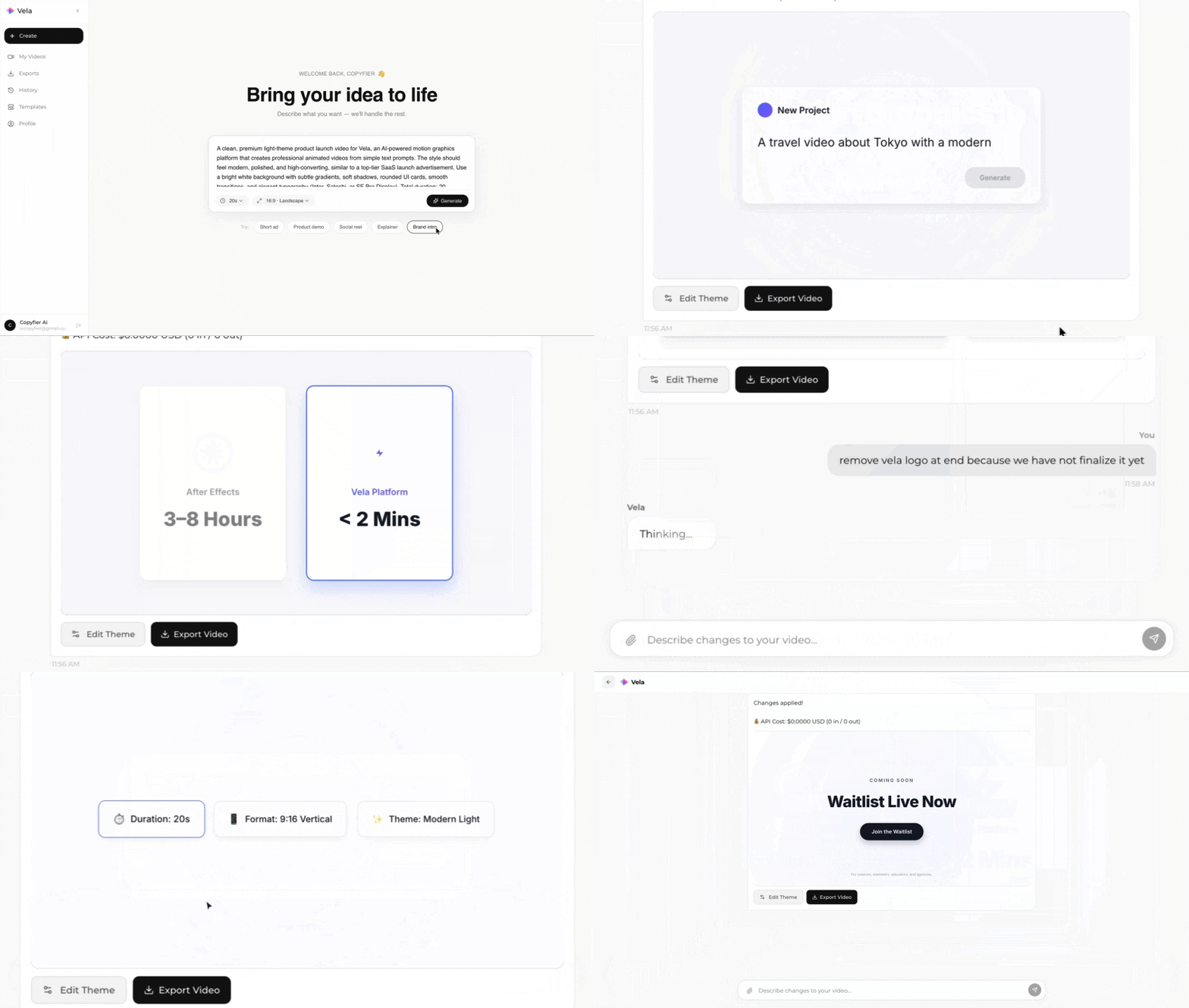
Type what you want. Vela creates the motion graphic. Refine by chatting.
Made with Vela
SaaS Launch
Map Animation
Explainer