How to Create Subtitles and Captions for Animated Videos
Learn why captions matter for animated videos and how to add them easily.
Vela Team
Published · September 13, 2026
85% of Social Videos Are Watched Without Sound
If your animated video does not have captions, most people will not understand it. Captions are not optional anymore — they are essential.
Why Captions Matter
- Most social videos are watched on mute
- Captions increase watch time by 12% on average
- They make content accessible to deaf and hard-of-hearing viewers
- They improve SEO — search engines can index caption text
- They help non-native speakers follow along
Types of Captions
Open captions are burned into the video — always visible. Best for social media. Closed captions are a separate track that viewers can toggle. Best for YouTube. Animated captions are kinetic text in sync with the video. Best for TikTok and Reels.
How to Add Captions
If you generate motion graphics with Vela, include the text you want displayed in your description. The AI incorporates text elements directly into the animation. For existing videos, use CapCut (free), Descript, or Premiere Pro's auto-caption feature.
How it works
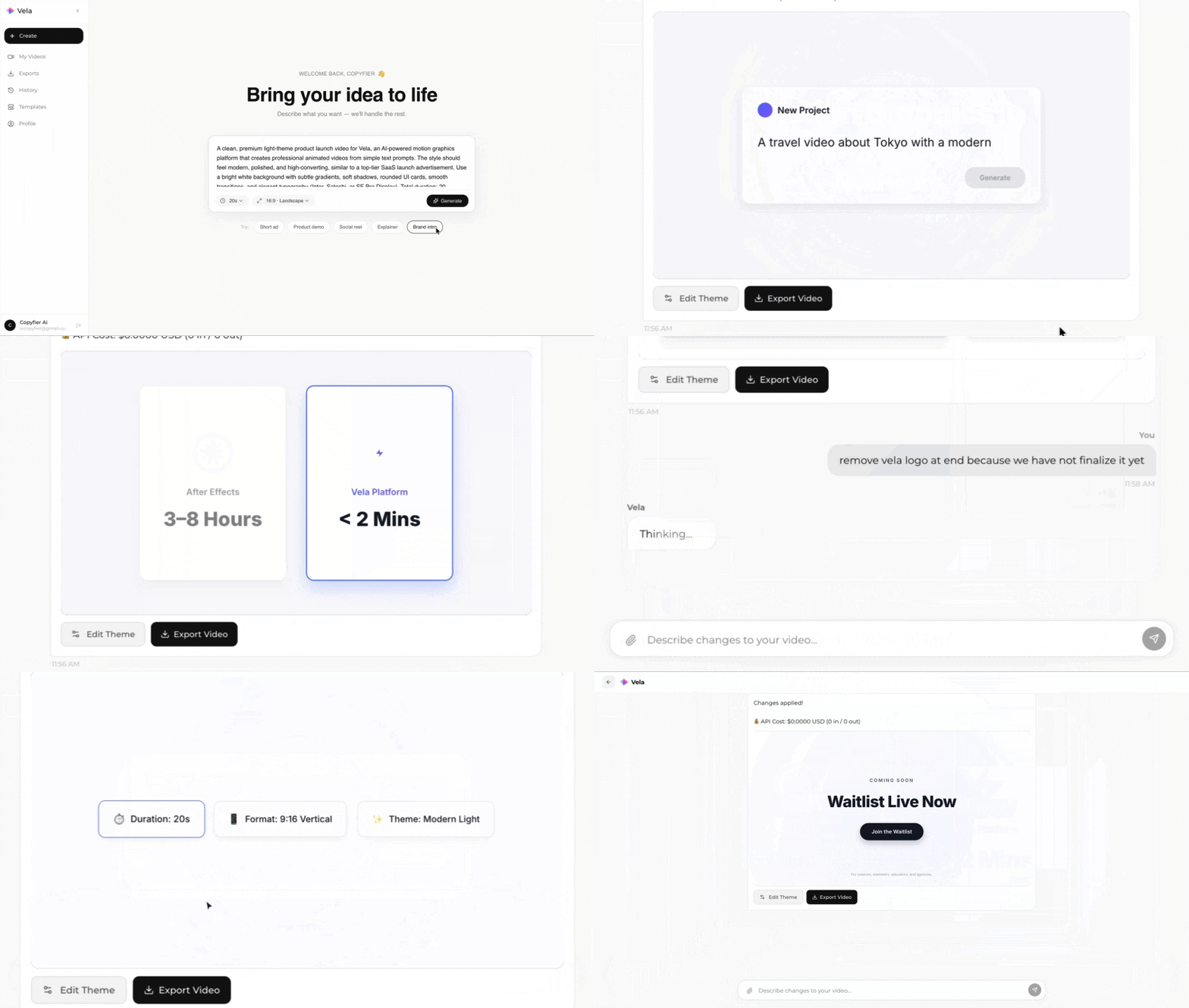
Type what you want. Vela creates the motion graphic. Refine by chatting.
Made with Vela
SaaS Launch
Map Animation
Explainer