How to Create a Wedding or Event Highlight Motion Graphic
Make beautiful wedding and event highlight videos with motion graphics. Save-the-dates, recap reels, and celebration animations.
Vela Team
Published · October 9, 2026
Capture Events Without a Camera Crew
Not every event can afford a videographer. Motion graphics let you create beautiful event highlight videos, save-the-date announcements, and recap reels using photos, text, and animation.
Types of Event Videos
- Save-the-date announcements for weddings and galas
- Event recap reels with photo slideshows and animated transitions
- Conference highlight videos with speaker quotes and key takeaways
- Birthday and celebration montages
- Corporate event wrap-ups with attendance stats and feedback highlights
How to Create Event Highlights
Gather your best photos from the event. Describe the style to Vela — 'elegant wedding highlight reel, soft pink and gold, photo slideshow with smooth transitions, couple names and date' — and get a polished video.
Tips for Better Event Videos
- Use your best 10 to 15 photos — quality over quantity
- Add music that matches the event mood
- Include key details — date, venue, names
- Keep highlight reels under 90 seconds
- Create both a long version for the couple/client and a short social version
Sharing Your Event Video
For weddings, share on Instagram and send to guests. For corporate events, post on LinkedIn and include in follow-up emails. For conferences, publish on YouTube and embed on your event page for next year's promotion.
How it works
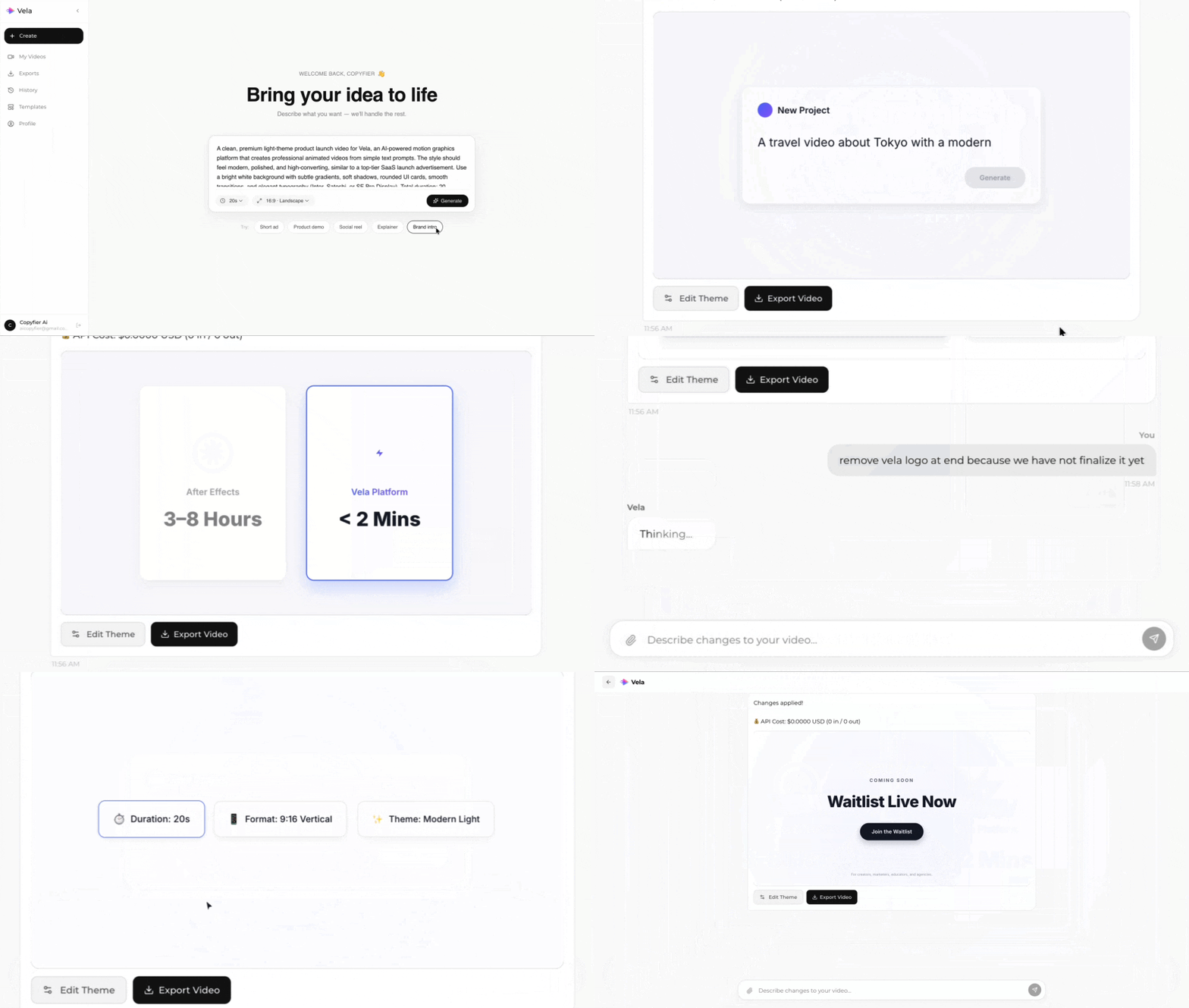
Type what you want. Vela creates the motion graphic. Refine by chatting.
Made with Vela
SaaS Launch
Map Animation
Explainer