Back to Blog
Informational
15 Free Motion Graphics Tools You Can Start Using Today
Discover 15 free motion graphics tools you can use right now. From AI-powered options to open-source editors — all free to start.
V
Vela Team
Published · October 9, 2026
You Do Not Need to Pay to Start
There are genuinely good free motion graphics tools available in 2026. Some have limitations. Some are completely free. Here are 15 tools you can start using today.
AI-Powered Free Tools
- Vela (free tier) — AI motion graphics from text prompts, limited exports
- CapCut — free video editor with motion graphics templates
- Canva (free tier) — basic animation and motion graphics
- Clipchamp — Microsoft's free video editor with motion effects
- Simplified (free tier) — AI video creation with basic motion graphics
Professional Free Tools
- DaVinci Resolve — professional-grade editor and motion graphics, completely free
- Blender — free 3D animation and motion graphics, steep learning curve
- HitFilm — free video editor with advanced visual effects
- Natron — free compositing software for motion graphics
- OpenToonz — free animation software used by Studio Ghibli
Browser-Based Free Tools
- Animaker (free tier) — drag-and-drop animation in the browser
- Biteable (free tier) — template-based video creation
- Kapwing (free tier) — online editor with motion graphics features
- Panzoid — free community-driven intro maker
- FlexClip (free tier) — simple online video creation
What Free Gets You
Free tools are great for learning and low-volume production. The tradeoffs are usually watermarks, limited exports, fewer templates, or lower resolution. When you need professional quality and speed, upgrading to a paid AI tool like Vela is worth it.
How it works
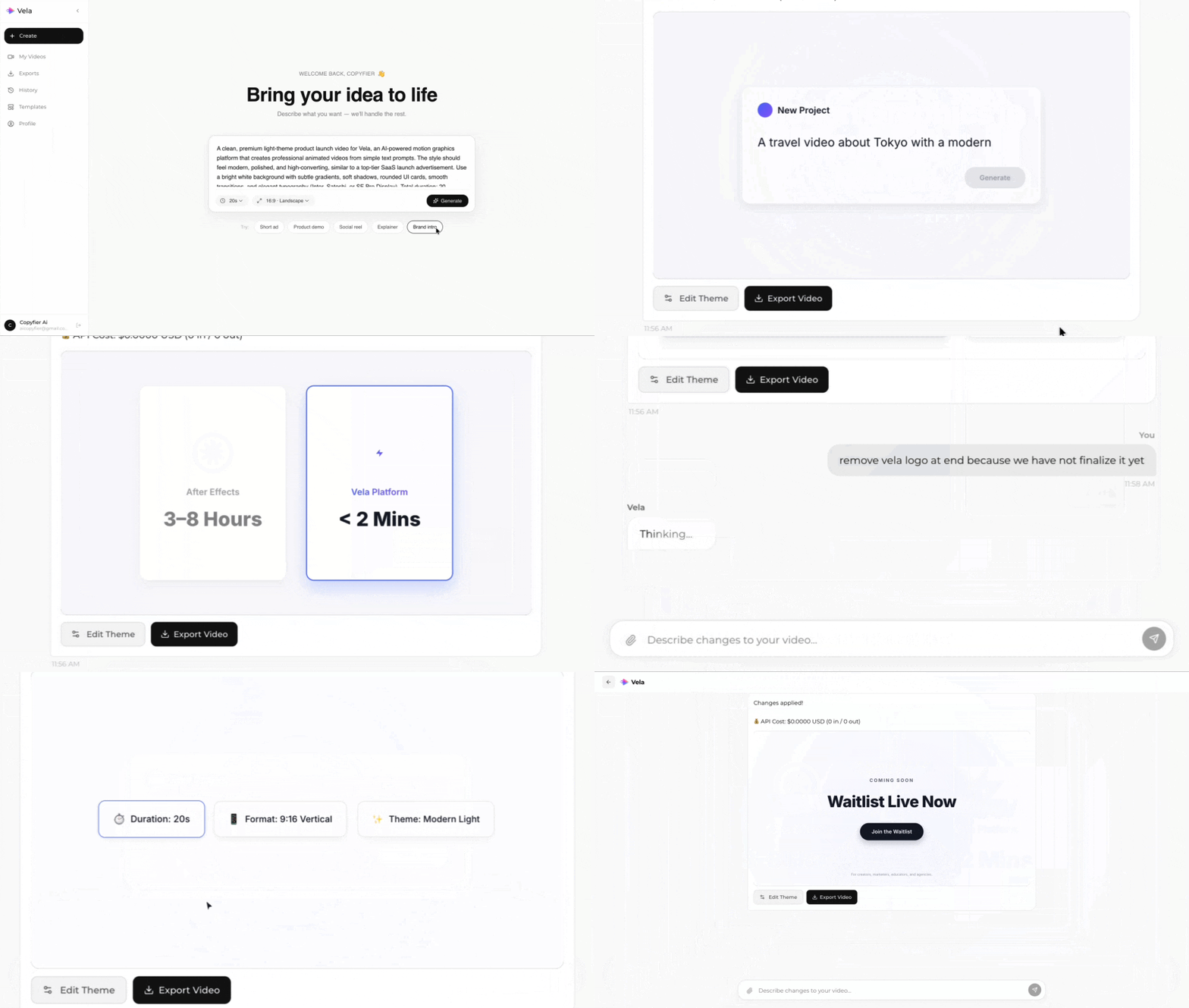
Type what you want. Vela creates the motion graphic. Refine by chatting.
Made with Vela
SaaS
SaaS Launch
Data Viz
Map Animation
Explainer
Explainer