Free vs Paid Motion Graphics Tools: What You Actually Get at Each Price Point
Free vs paid motion graphics tools compared. What features you get, what you miss, and when it is worth upgrading.
Vela Team
Published · October 9, 2026
Free Is Not Always Free
Free video tools have hidden costs — watermarks, low resolution, limited exports, and time spent working around limitations. Understanding what you actually get at each price point helps you make a smart investment.
What Free Tools Offer
- Basic editing and simple animations
- Watermarks on exported videos (usually)
- Lower resolution exports — 720p instead of 1080p
- Limited templates and assets
- Fewer exports per month — typically 3 to 5
- No brand kit or custom fonts
What $15–30/Month Gets You
- No watermarks — professional, clean output
- Full HD (1080p) or 4K exports
- Unlimited or generous export limits
- Brand kit — your colors, fonts, and logo saved
- Access to premium templates and assets
- Priority support and faster rendering
What $50+/Month Gets You
- Everything in mid-tier plus team collaboration
- Advanced AI features and custom generation
- API access for automation and integration
- Priority rendering and faster export speeds
- Dedicated account support
- Advanced analytics and brand management
When Free Is Enough
Free tools work for personal projects, testing, and very low-volume creation. Once you need professional output — no watermarks, consistent branding, and volume — paid tools like Vela pay for themselves immediately.
The ROI Perspective
A $30 per month tool that saves you 5 hours per month is worth it if your time is worth more than $6 per hour. For most professionals, the investment is a no-brainer.
How it works
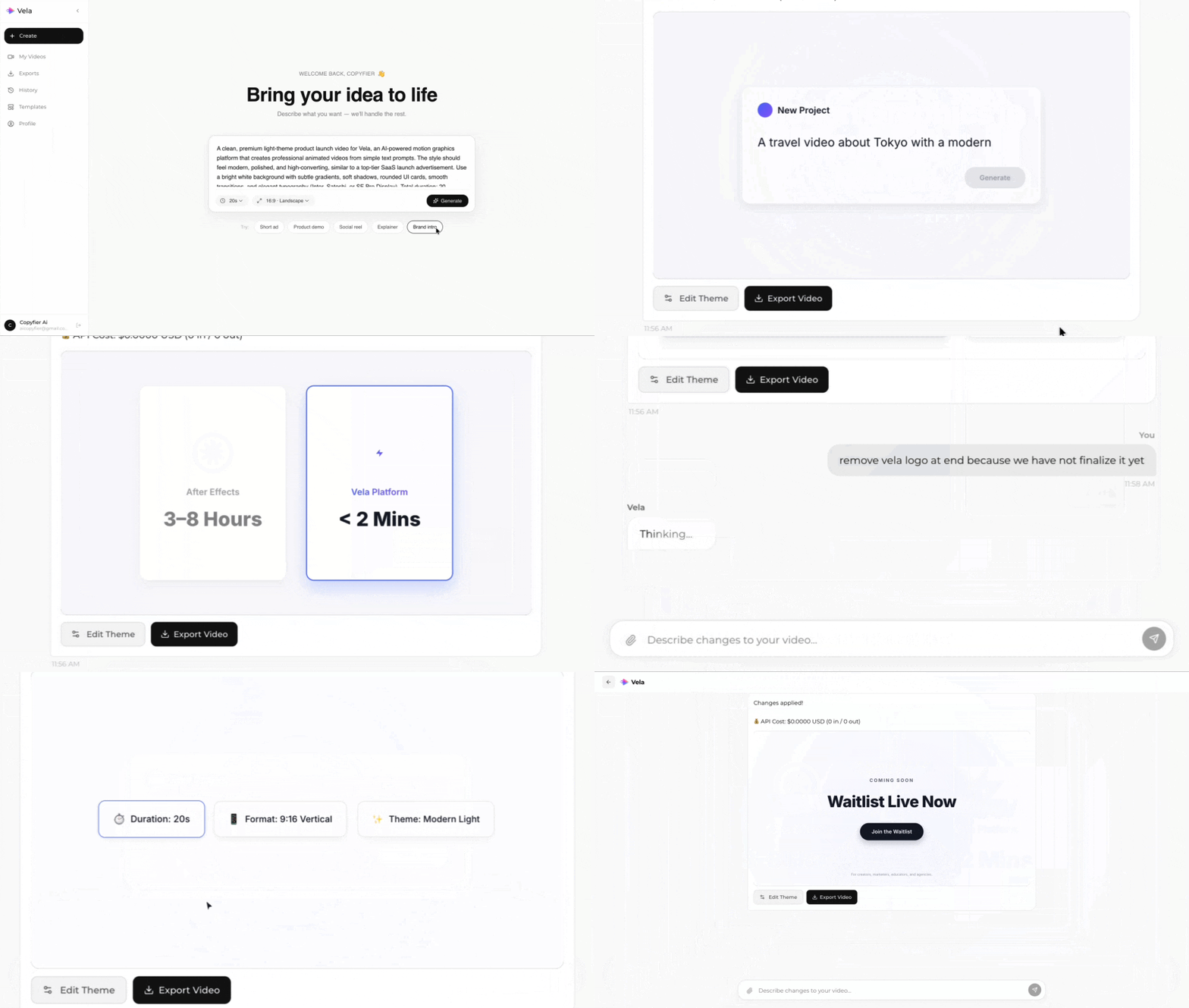
Type what you want. Vela creates the motion graphic. Refine by chatting.
Made with Vela
SaaS Launch
Map Animation
Explainer