GIF vs Motion Graphic Video: Which Should You Use in 2026?
GIF or video? Compare file size, quality, engagement, and platform support to pick the right format for your content.
Vela Team
Published · October 9, 2026
GIF or Video — Which One Should You Use?
GIFs and videos both show moving content, but they have very different strengths. Choosing the wrong format wastes bandwidth, looks bad, or limits engagement.
GIF Advantages
- Auto-plays everywhere — emails, forums, messaging apps
- No play button needed — starts immediately
- Lightweight for short, simple animations
- Universal support — works on every platform and device
- Easy to create and share — no hosting needed
GIF Limitations
- Maximum 256 colors — looks bad for photos and gradients
- Large file size for anything over 5 seconds
- No sound — silent only
- Low resolution compared to video
- Not ideal for complex animations or text
Video Advantages
- Full color range — looks professional and crisp
- Smaller file sizes for longer content (thanks to compression)
- Sound support — music, voiceover, effects
- Higher resolution — 1080p and 4K
- Better engagement metrics — watch time, completion rate
When to Use Each
Use GIFs for email previews, quick reactions, simple product demos under 5 seconds, and messaging apps. Use video for social media, website content, ads, and anything over 5 seconds. For most marketing purposes, video wins.
The Best of Both Worlds
Create your content as a video in Vela, then export both a full video and a GIF version. Use the video on social media and your website. Use the GIF in emails and chat.
How it works
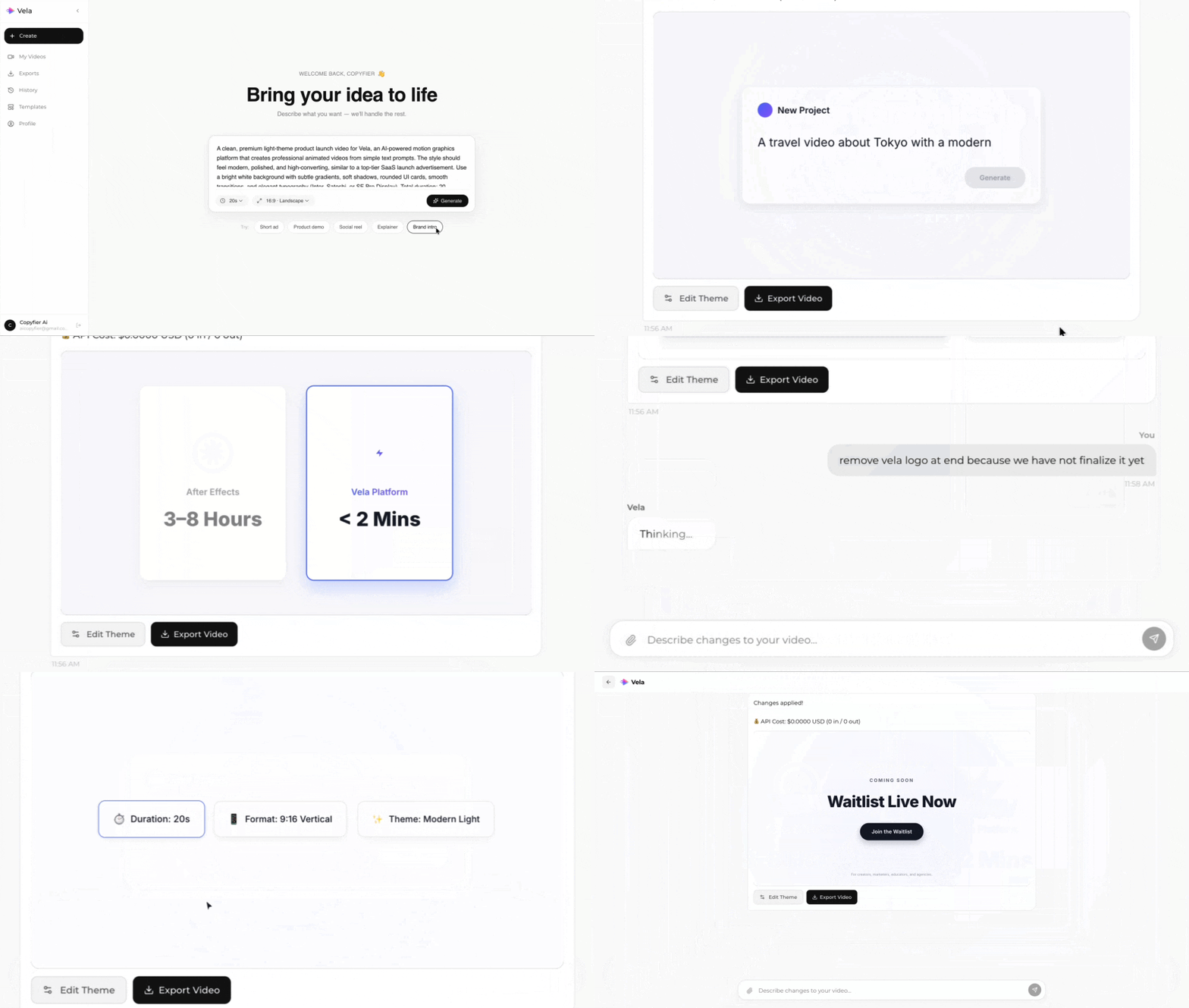
Type what you want. Vela creates the motion graphic. Refine by chatting.
Made with Vela
SaaS Launch
Map Animation
Explainer