How to Create a Motion Graphic for YouTube in Minutes
Make YouTube-ready motion graphics fast. Intros, outros, lower thirds — all the elements you need.
Vela Team
Published · September 13, 2026
YouTube Channels Need Motion Graphics
YouTube is the second largest search engine. The channels that grow fastest all have professional-looking motion graphics. Intros, lower thirds, subscribe animations, and outros make your channel look legit.
Essential Motion Graphics for YouTube
- Channel intro — 3 to 5 second animation with your logo and channel name
- Lower third — name and title overlay
- Subscribe reminder — animated button that pops up mid-video
- Transition — smooth animation between video segments
- Outro — end screen with links to other videos
YouTube Video Specs
YouTube videos use 16:9 widescreen format (1920x1080). Shorts use 9:16 vertical (1080x1920). For best quality, render at 1080p with H.264 encoding.
Creating YouTube Motion Graphics with AI
With Vela, describe what you want — like 'a sleek YouTube intro with a tech channel logo, dark background, neon blue accents' — and it generates the animation. Refine it through chat, then export in the exact format YouTube needs.
Tips for YouTube Motion Graphics
- Keep intros under 5 seconds
- Use your brand colors consistently
- Make text large enough to read on mobile
- Add a subtle subscribe animation around the 30-second mark
- Use the same outro template for brand consistency
How it works
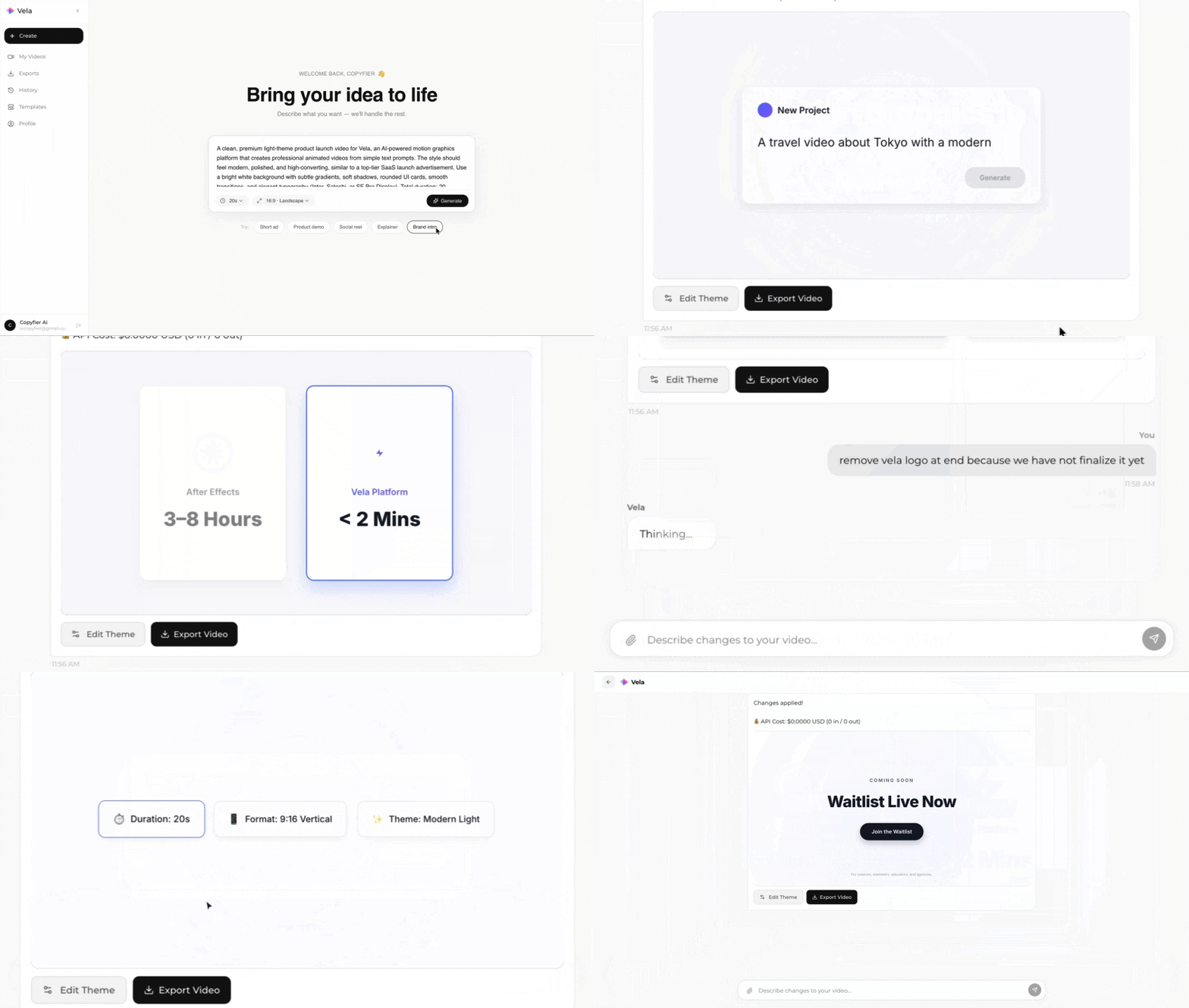
Type what you want. Vela creates the motion graphic. Refine by chatting.
Made with Vela
SaaS Launch
Map Animation
Explainer