Best Motion Graphics Software for Beginners in 2025
Best motion graphics software for beginners. Easy to learn, affordable, and produces professional results.
Vela Team
Published · September 13, 2026
Best Motion Graphics Software for Beginners
Starting out with motion graphics? Do not start with After Effects — it will frustrate you. These tools are beginner-friendly and still produce professional results.
1. Vela — Best for Absolute Beginners
No learning curve. Type a description, get a motion graphic. Chat to refine. If you can write a sentence, you can create a motion graphic. Free to start. This is the easiest entry point into motion graphics by far.
2. Canva Video
Drag-and-drop video editor with templates. Very easy to use. Limited to templates and basic animations. Good for your first few videos while you learn what works.
3. CapCut
Free video editor with basic motion graphics features. Auto-captions and effects. Good for learning the basics of video editing and simple animations.
4. Blender
Free and incredibly powerful. But the learning curve is steep. Best for beginners who are committed to learning 3D motion graphics long-term.
5. DaVinci Resolve (Fusion)
Free professional tool with Fusion for motion graphics. Powerful but complex. Best for beginners who want to grow into professional-level tools without paying.
How it works
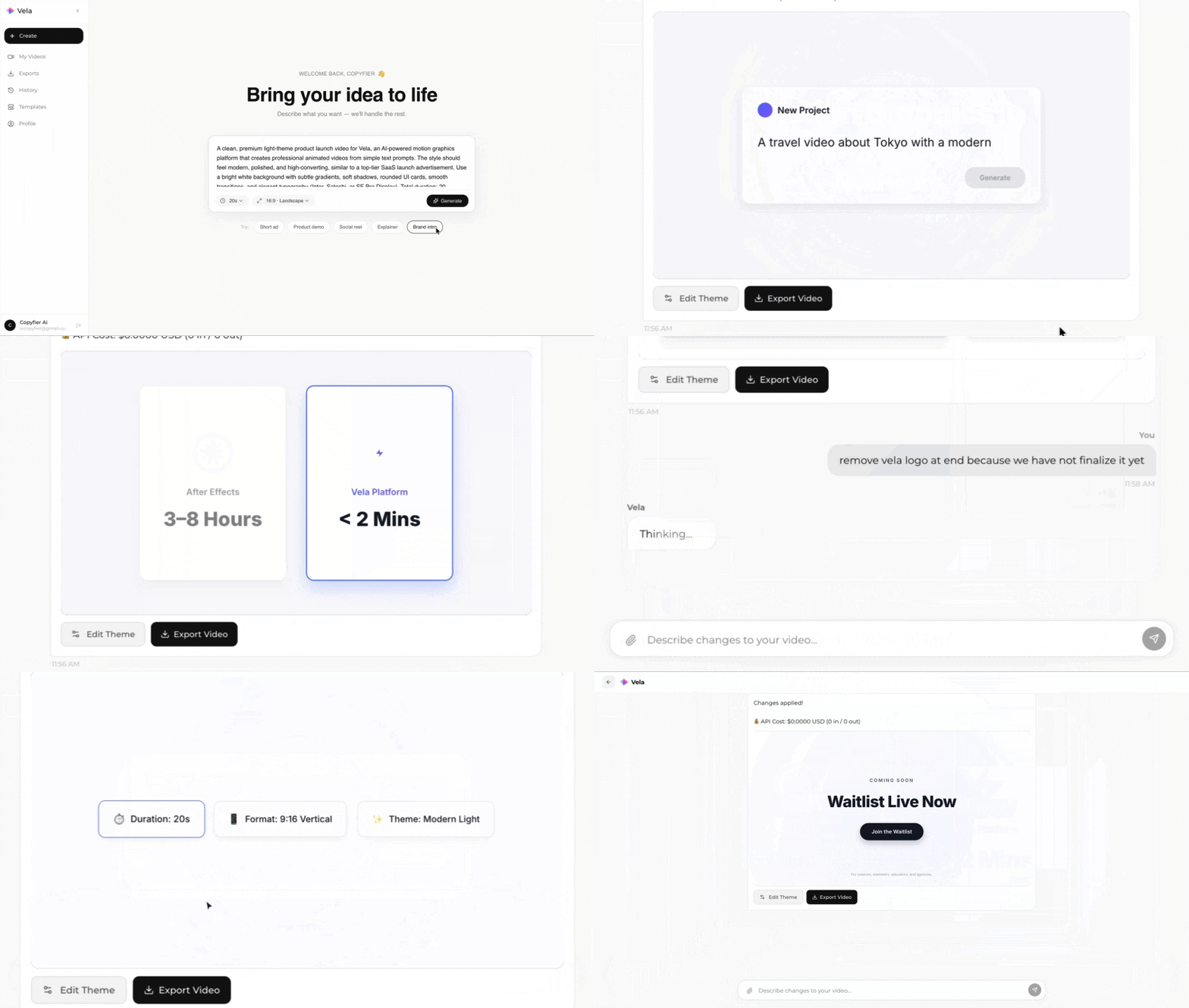
Type what you want. Vela creates the motion graphic. Refine by chatting.
Made with Vela
SaaS Launch
Map Animation
Explainer