How to Storyboard a Motion Graphics Video (Free Template Included)
Learn how to storyboard a motion graphics video with our step-by-step guide. Free downloadable template included.
Vela Team
Published · October 9, 2026
Storyboarding Saves Time and Money
A storyboard is a visual plan for your video. It shows what happens in each scene before you create anything. For motion graphics, storyboarding helps you organize text, visuals, and transitions so the final video flows smoothly.
What to Include in Your Storyboard
- Scene number and duration
- Visual description — what appears on screen
- Text and headlines for each scene
- Transition type — fade, slide, cut, zoom
- Notes on music, sound effects, or voiceover
- Call to action for the final scene
How to Storyboard a Motion Graphic
Start with your message. Break it into 4 to 8 key points. Each point becomes a scene. Sketch or describe what each scene looks like. Note the transitions between them. Your storyboard does not need to be artistic — it just needs to be clear.
Using AI to Skip the Storyboard
With AI tools like Vela, you can describe your entire video in one prompt — and the AI handles the storyboarding for you. It decides how to break your message into scenes, what transitions to use, and how to pace the video. This is the fastest way to go from idea to finished video.
Tips for Better Storyboards
- Keep each scene to one idea — do not overload frames
- Plan for the first 2 seconds — this is your hook
- Include your branding in at least the first and last scenes
- Think about the platform — vertical storyboard for Reels, wide for YouTube
- Review your storyboard before producing — changes are free at this stage
How it works
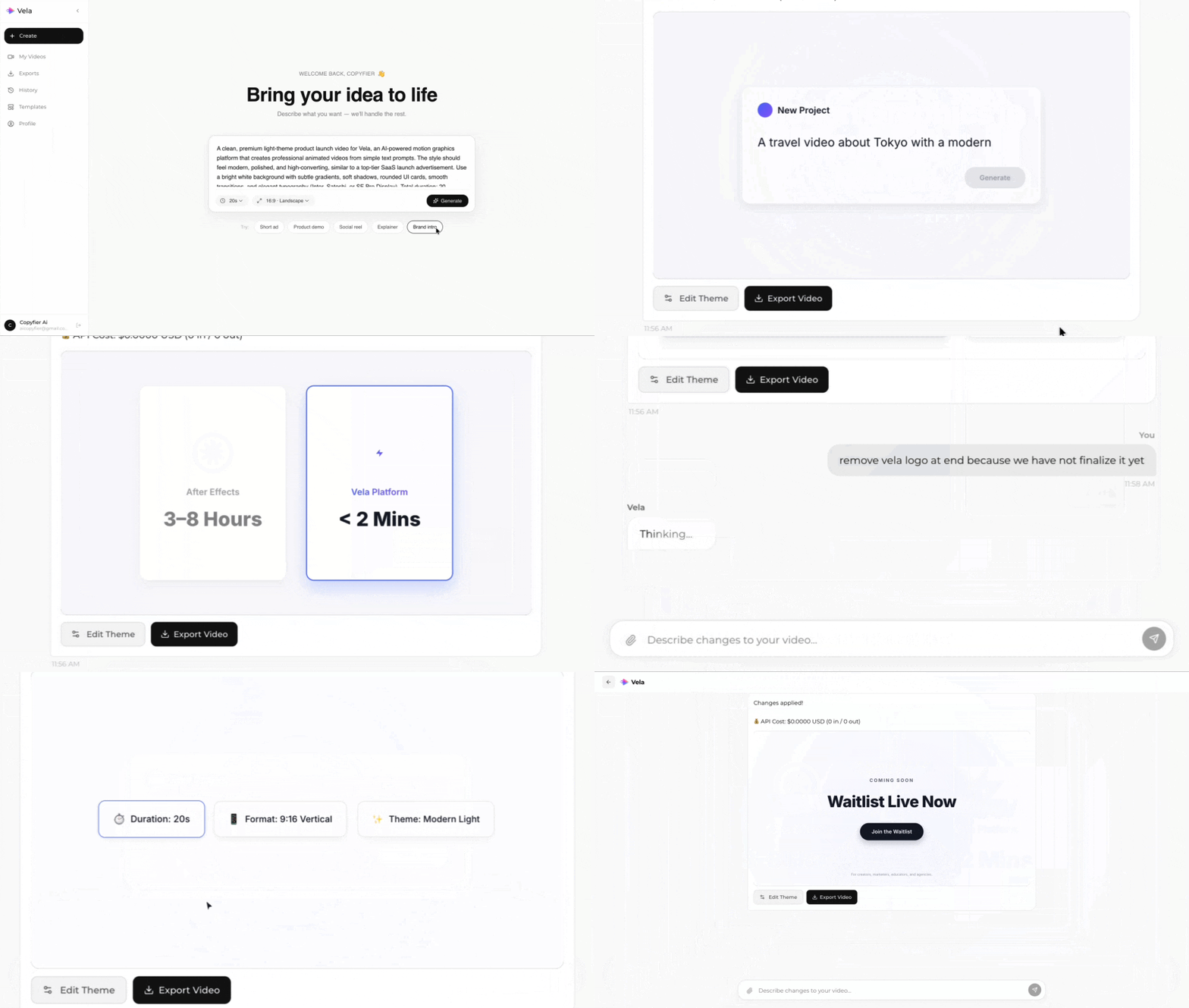
Type what you want. Vela creates the motion graphic. Refine by chatting.
Made with Vela
SaaS Launch
Map Animation
Explainer