How to Turn a Podcast Episode into Animated Audiogram Clips
Turn podcast episodes into shareable animated audiogram clips. Waveform animations, quote highlights, and social-ready audio visuals.
Vela Team
Published · October 9, 2026
Turn Audio into Visual Content
Podcasters struggle with one thing — their content is invisible on visual platforms. Animated audiograms turn your best podcast moments into eye-catching video clips for social media.
What Is an Audiogram?
An audiogram is a short video clip that combines audio from your podcast with animated waveforms, captions, and visual elements. It gives people a preview of your episode and drives them to listen to the full thing.
How to Create Audiogram Clips
Pick your best 30 to 60 second clip from an episode. Use Vela to create an animated visual — 'podcast audiogram, dark purple background, waveform animation, episode title, guest name' — and pair it with your audio clip.
Best Practices for Podcast Audiograms
- Pick clips with strong opinions, surprising facts, or funny moments
- Always add captions — most people watch without sound first
- Use your podcast branding — colors, logo, episode number
- Keep clips between 30 and 60 seconds
- Create 3 to 5 audiograms per episode for a week of social content
Where to Share
- Instagram Reels and Stories — highest engagement for audiograms
- TikTok — growing platform for podcast discovery
- Twitter/X — great for quote-style audiogram clips
- LinkedIn — ideal for business and interview podcasts
- YouTube Shorts — repurpose the same clips with minimal changes
How it works
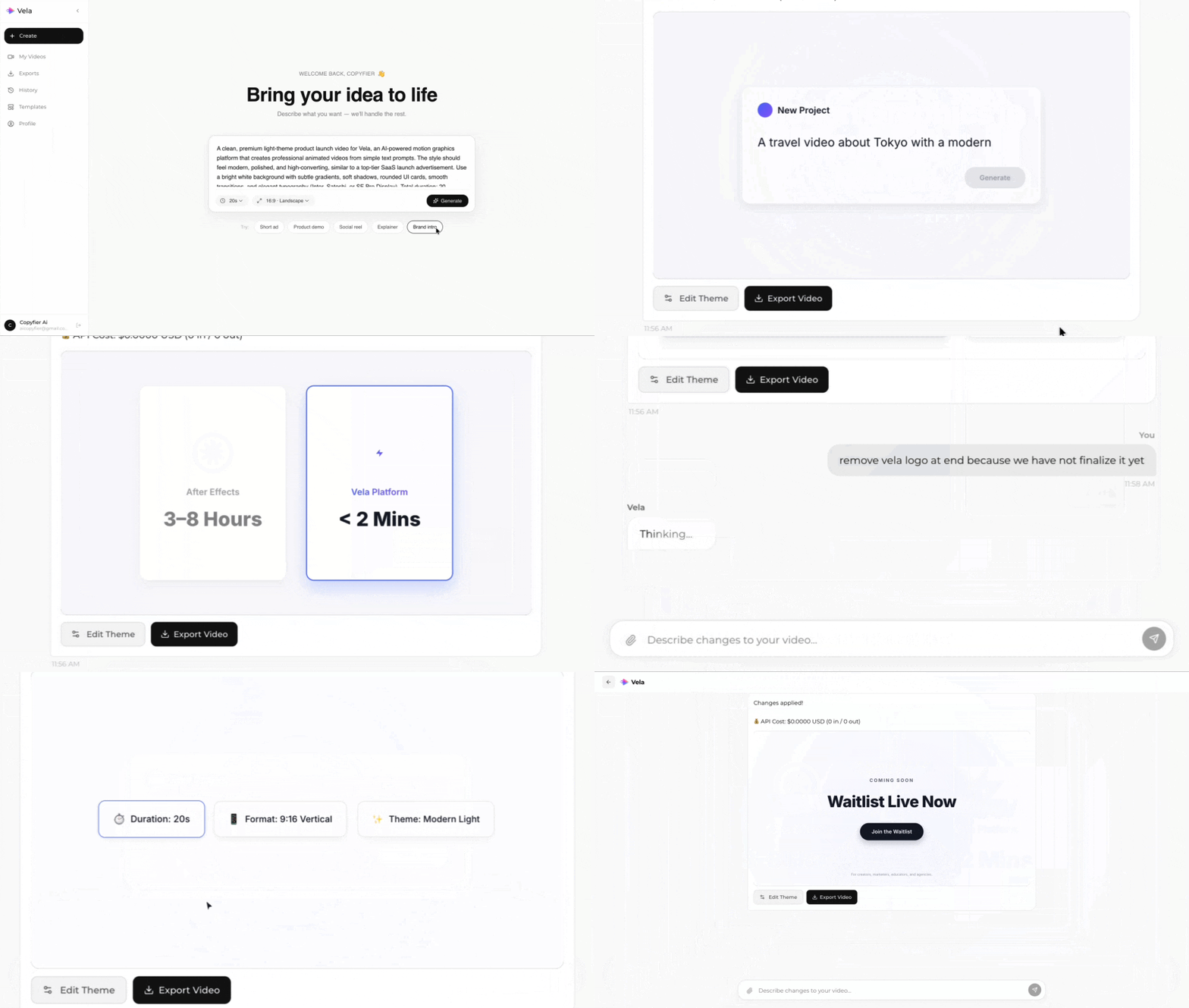
Type what you want. Vela creates the motion graphic. Refine by chatting.
Made with Vela
SaaS Launch
Map Animation
Explainer