How to Make a TikTok Motion Graphic (Vertical Video Guide)
Master TikTok motion graphics with this vertical video guide. Formats, styles, and techniques that get views.
Vela Team
Published · September 13, 2026
TikTok Is a Vertical Video Platform
Everything you create needs to be 9:16 — tall, not wide. You have less horizontal space, shorter attention spans, and a feed that moves fast. Here is how to make motion graphics that actually work on TikTok.
TikTok Video Specs
- Format: 9:16 vertical (1080x1920)
- Length: 15 to 60 seconds for best performance
- File type: MP4 with H.264 encoding
- Frame rate: 30fps is standard
What Works on TikTok
TikTok rewards content that hooks viewers in the first second. Start with something visually striking — bold text, bright colors, or a surprising animation. Kinetic typography (animated text) performs extremely well because it is engaging even without sound.
Designing for Vertical Format
Keep your main content in the center. Avoid putting important text or graphics near the top or bottom edges — TikTok overlays captions and buttons there. Use large, bold fonts. Stack information vertically.
Making TikTok Motion Graphics with AI
Vela supports vertical format natively. Just select TikTok as your output format when generating. Describe your idea, and the AI creates a vertical motion graphic optimized for the platform.
How it works
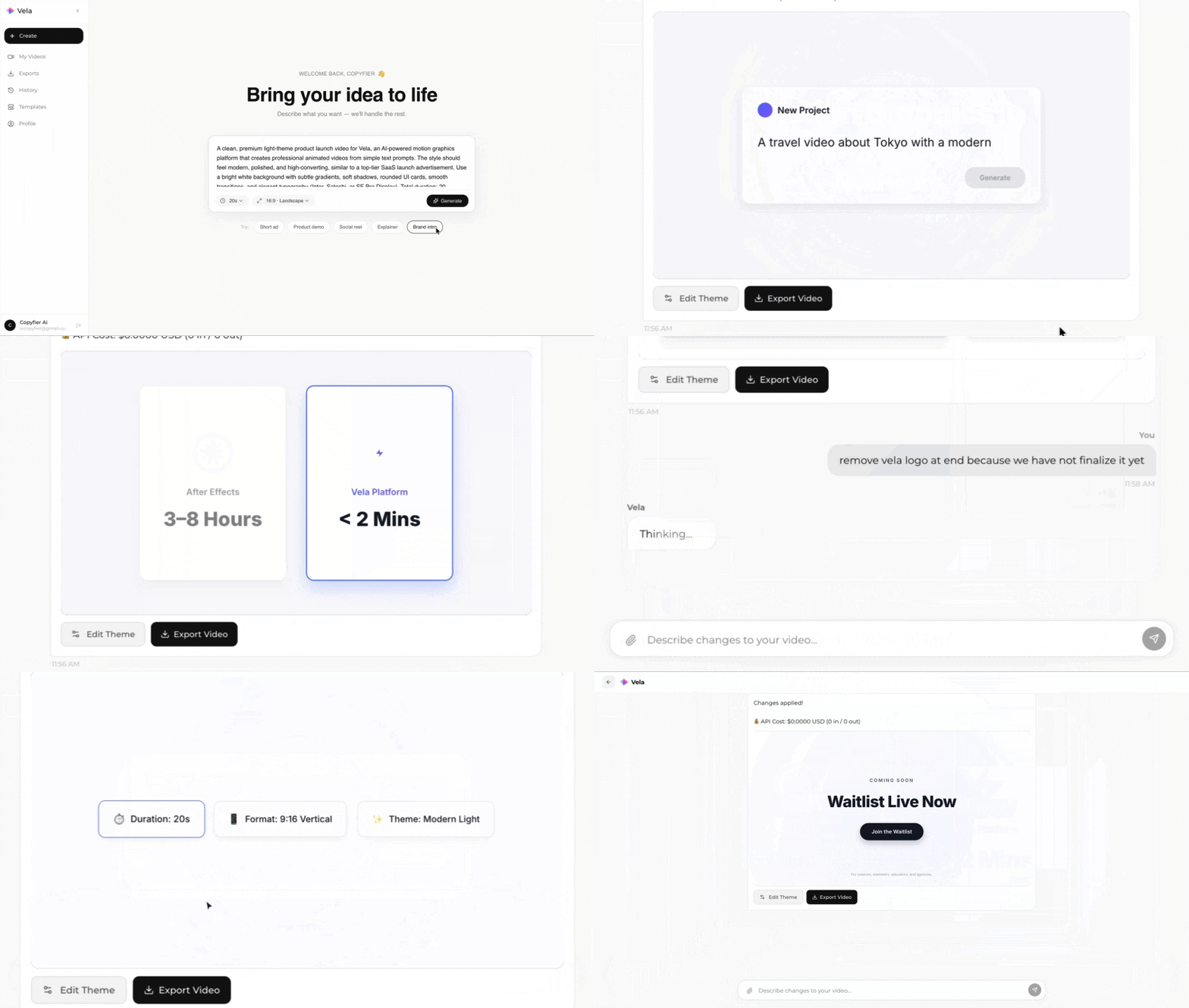
Type what you want. Vela creates the motion graphic. Refine by chatting.
Made with Vela
SaaS Launch
Map Animation
Explainer