Vela vs Biteable: Quick Video Maker Showdown
Vela vs Biteable compared. Template-based editing vs AI-powered motion graphics — which video maker is faster and better?
Vela Team
Published · October 9, 2026
Template-Based vs AI-Generated
Biteable offers a large library of video templates you customize with drag-and-drop. Vela uses AI to generate unique motion graphics from your text prompts. The result: different workflows, different outputs.
Key Differences
- Vela generates unique animations per prompt. Biteable customizes pre-made templates
- Vela uses natural language — describe what you want. Biteable uses drag-and-drop editing
- Vela produces design-forward motion graphics. Biteable produces clean but template-based videos
- Vela creates videos that look unique. Biteable videos may look similar to other Biteable users
When to Choose Vela
Choose Vela when you want unique, non-templated video content. When you prefer describing what you want over manually dragging elements. When motion graphics quality and originality matter.
When to Choose Biteable
Choose Biteable when you want quick, template-based videos with minimal creative input. When you have a large library of templates to browse and prefer visual selection over prompting.
Bottom Line
Biteable is easy and fast for basic template videos. Vela is better for teams that want custom, professional motion graphics without the templated look.
How it works
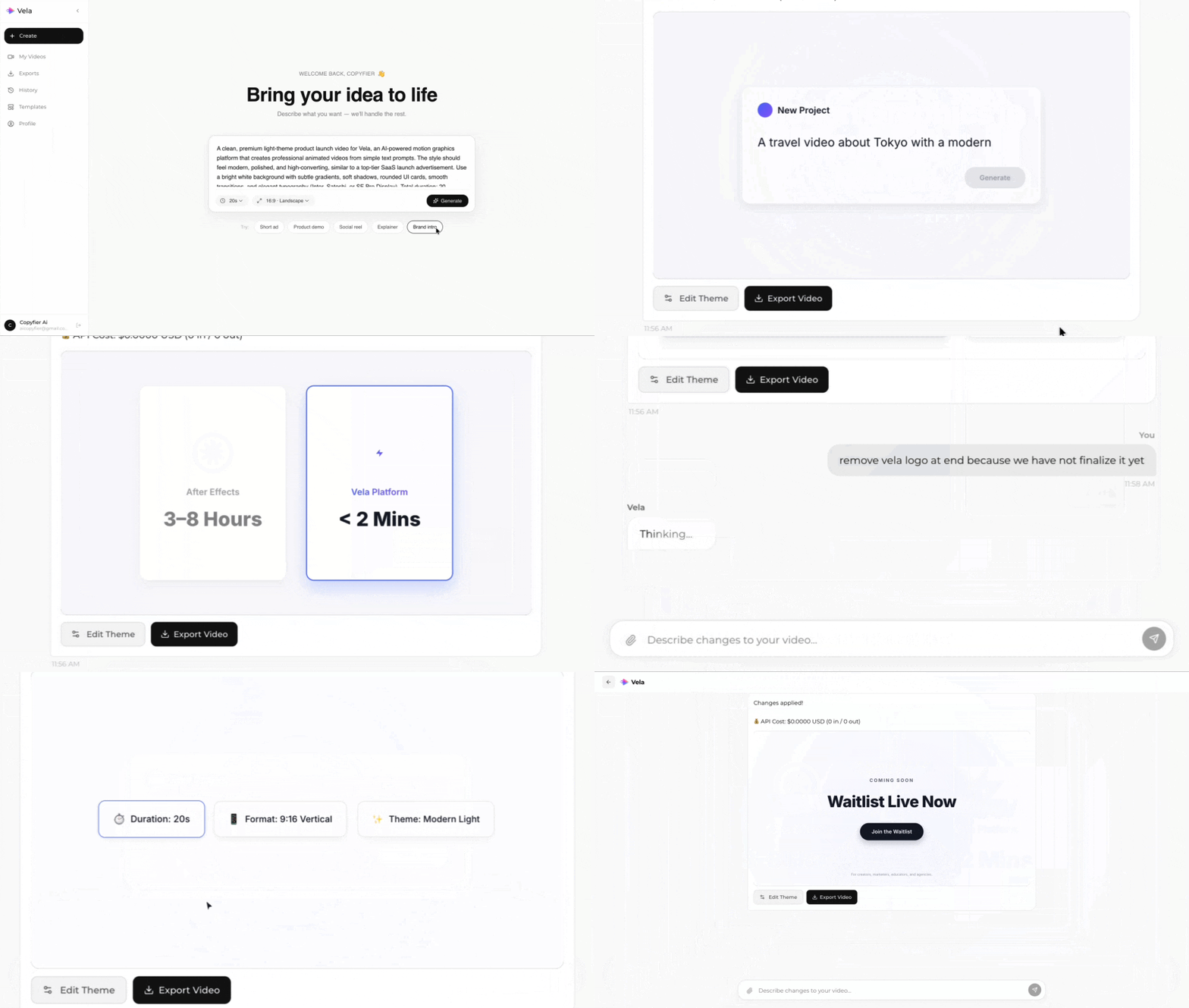
Type what you want. Vela creates the motion graphic. Refine by chatting.
Made with Vela
SaaS Launch
Map Animation
Explainer