Video Export Settings Guide: Resolution, Bitrate & Format for Every Platform
The complete video export settings guide. Resolution, bitrate, codec, and format recommendations for every major platform.
Vela Team
Published · October 9, 2026
Wrong Export Settings Ruin Good Videos
You spent time making a great video. Do not ruin it with the wrong export settings. Blurry uploads, huge file sizes, and playback issues all come from incorrect resolution, bitrate, or format choices.
Resolution by Platform
- Instagram Reels / TikTok / YouTube Shorts: 1080x1920 (9:16)
- YouTube: 1920x1080 (16:9) minimum, 3840x2160 (4K) for quality
- LinkedIn: 1080x1080 (1:1) or 1920x1080 (16:9)
- Facebook: 1080x1080 (1:1) or 1080x1920 (9:16)
- Twitter/X: 1280x720 minimum
- Website embed: 1920x1080 (16:9) for most players
Bitrate Recommendations
- Standard 1080p: 8 to 12 Mbps for quality, 4 to 6 Mbps for smaller files
- 4K: 35 to 45 Mbps for quality, 15 to 25 Mbps for smaller files
- Social media: 4 to 8 Mbps is the sweet spot
- GIFs: keep under 1MB total file size for email, 5MB for web
Format and Codec
MP4 with H.264 codec is the universal standard. Every platform accepts it. For higher quality at smaller file sizes, H.265 (HEVC) works on newer devices. WebM is useful for web-only content.
Frame Rate
30fps is the standard for most marketing content. 24fps gives a cinematic feel. 60fps is smooth for fast motion but creates larger files. Match the platform default — most social media platforms optimize for 30fps.
Quick Export Checklist
- Format: MP4
- Codec: H.264
- Resolution: match your target platform
- Bitrate: 6 to 10 Mbps for 1080p
- Frame rate: 30fps
- Audio: AAC, 192kbps (if applicable)
How it works
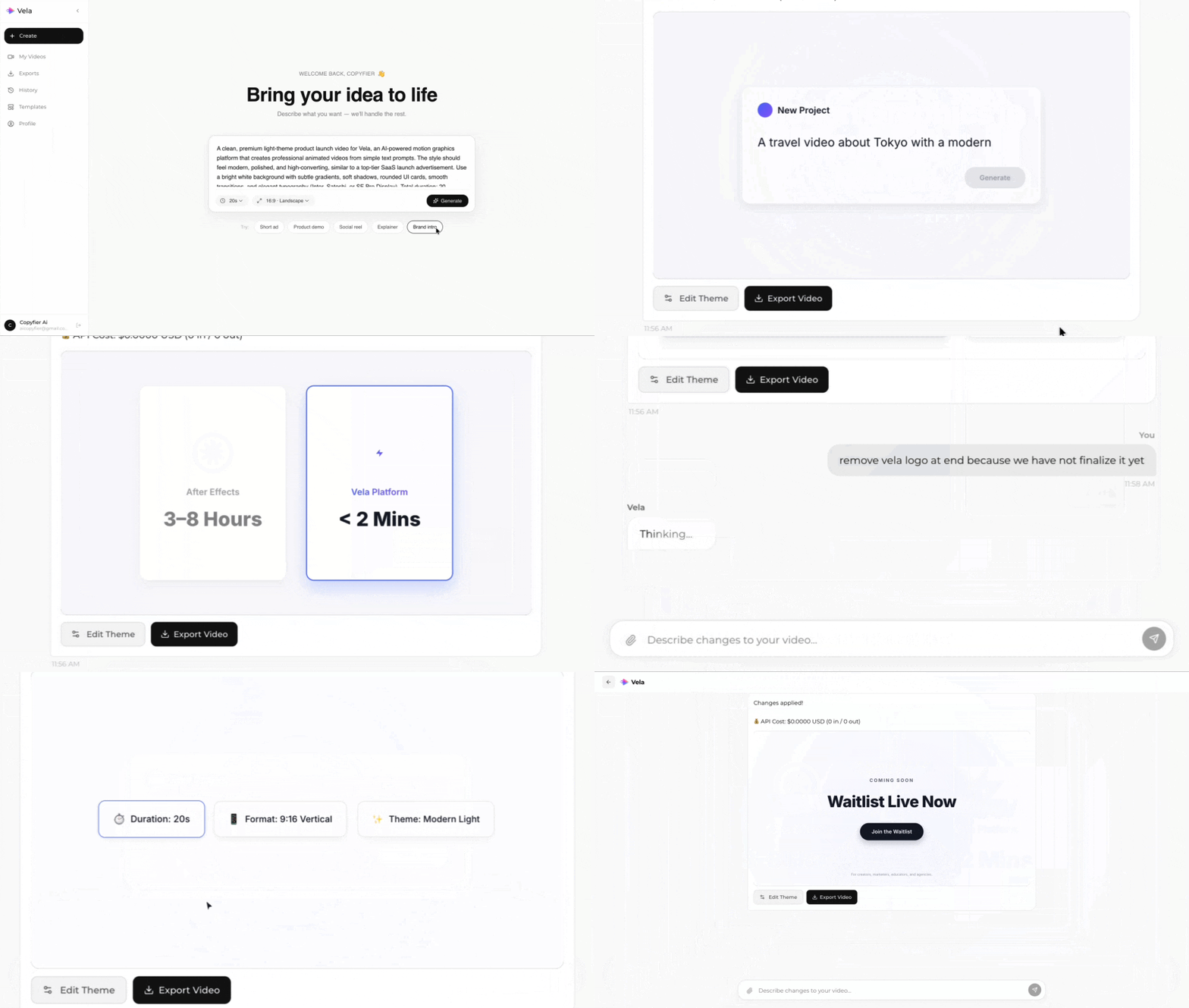
Type what you want. Vela creates the motion graphic. Refine by chatting.
Made with Vela
SaaS Launch
Map Animation
Explainer