Best Whiteboard Animation Software in 2026
Best whiteboard animation software in 2026. Compare tools for creating hand-drawn style explainer videos and presentations.
Vela Team
Published · October 9, 2026
The Whiteboard Style Still Works
Whiteboard animation — where a hand draws images on screen — remains popular for educational and explainer content. It feels personal, is easy to follow, and keeps viewers watching.
Best Whiteboard Animation Tools
- Doodly — dedicated whiteboard animation software, one-time purchase
- VideoScribe — professional whiteboard animations with large asset library
- Vyond — includes whiteboard style among other animation types
- Animaker — whiteboard templates with drag-and-drop editing
- Renderforest — online whiteboard video templates
- MySimpleShow — AI-assisted whiteboard explainer creation
When to Use Whiteboard Animation
- Educational explainer videos — teaching concepts step by step
- Training content — onboarding and process documentation
- Sales presentations — explaining complex products simply
- Internal communications — company updates and strategy explanations
- YouTube content — the style drives high watch time
Whiteboard vs Modern Motion Graphics
Whiteboard animation works for education and explanation. For marketing, branding, and social media, modern motion graphics from tools like Vela are more effective. The polished, designed look performs better on visual platforms.
Getting Started
If whiteboard is the style you need, Doodly offers the best value with a one-time purchase. For teams that want flexibility between whiteboard and other styles, Vyond or Animaker offer more versatility.
How it works
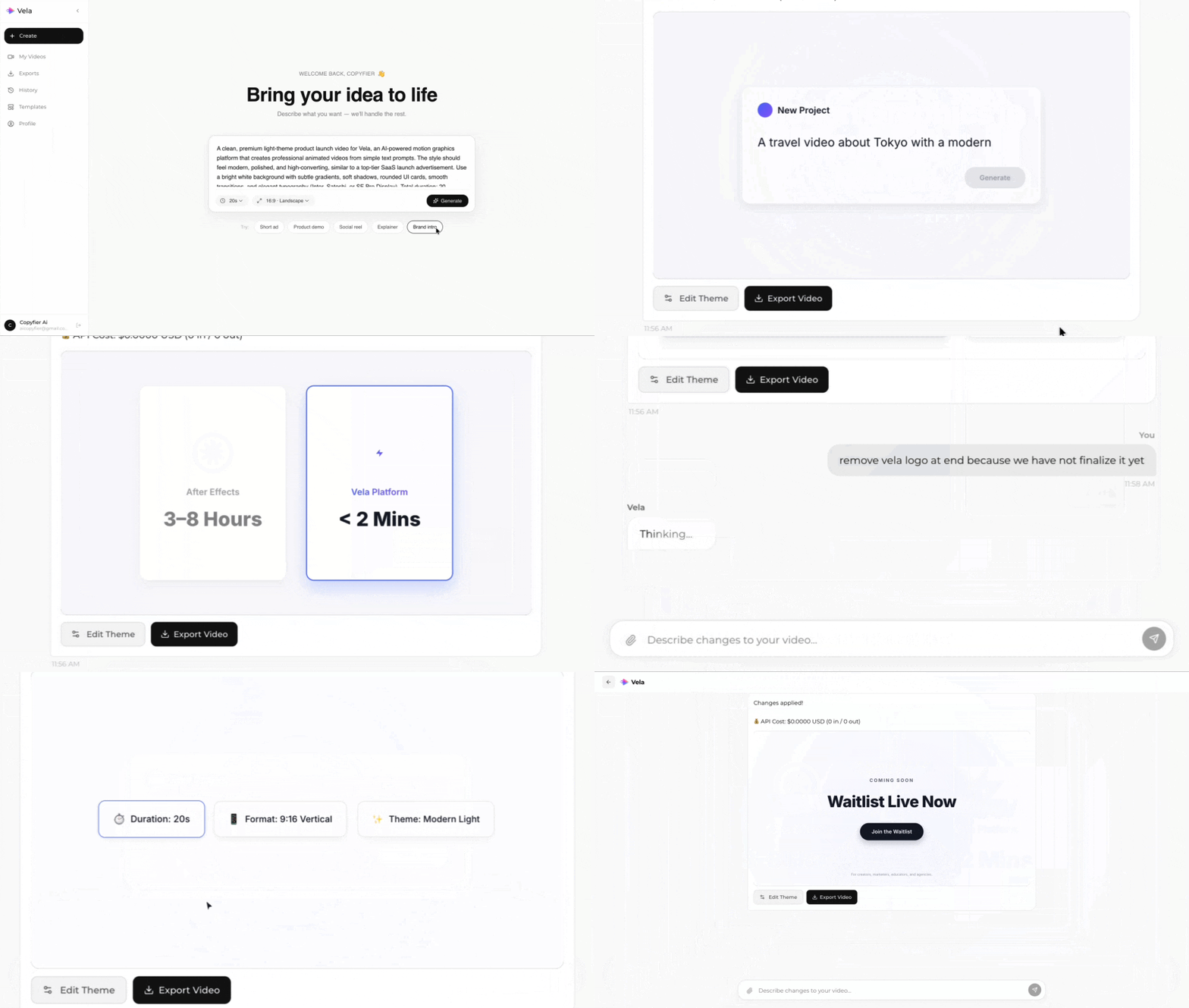
Type what you want. Vela creates the motion graphic. Refine by chatting.
Made with Vela
SaaS Launch
Map Animation
Explainer