How to Create a Year-in-Review or "Wrapped" Recap Video
Make year-in-review and Wrapped-style recap videos with motion graphics. Stats, milestones, and highlights animated beautifully.
Vela Team
Published · October 9, 2026
Celebrate Your Year in Motion
Year-in-review and Wrapped-style recap videos are among the most shared content types on social media. They work for brands, creators, nonprofits, and communities — anyone who has milestones worth celebrating.
What to Include in Your Recap
- Key metrics — revenue, users, customers served, miles traveled
- Top moments and milestones with dates
- Growth comparisons — this year vs last year
- Team or community highlights
- Thank-you message and what is coming next year
Creating a Wrapped-Style Video
Gather your numbers and highlights. Describe the style to Vela — 'year-in-review video, Spotify Wrapped style, vibrant gradient backgrounds, animated counting numbers, bold typography' — and get a shareable recap video.
Timing and Distribution
Publish your recap in the last two weeks of December or the first week of January. Share on LinkedIn for professional recaps, Instagram for personal and brand recaps, and email for customer appreciation.
Tips for Viral Recaps
- Use bold, surprising numbers — make people react
- Personalize it — tag people, mention specific moments
- Add music — upbeat, celebratory tracks work best
- Keep it under 60 seconds for social media
- Create a template you can reuse every year with updated data
How it works
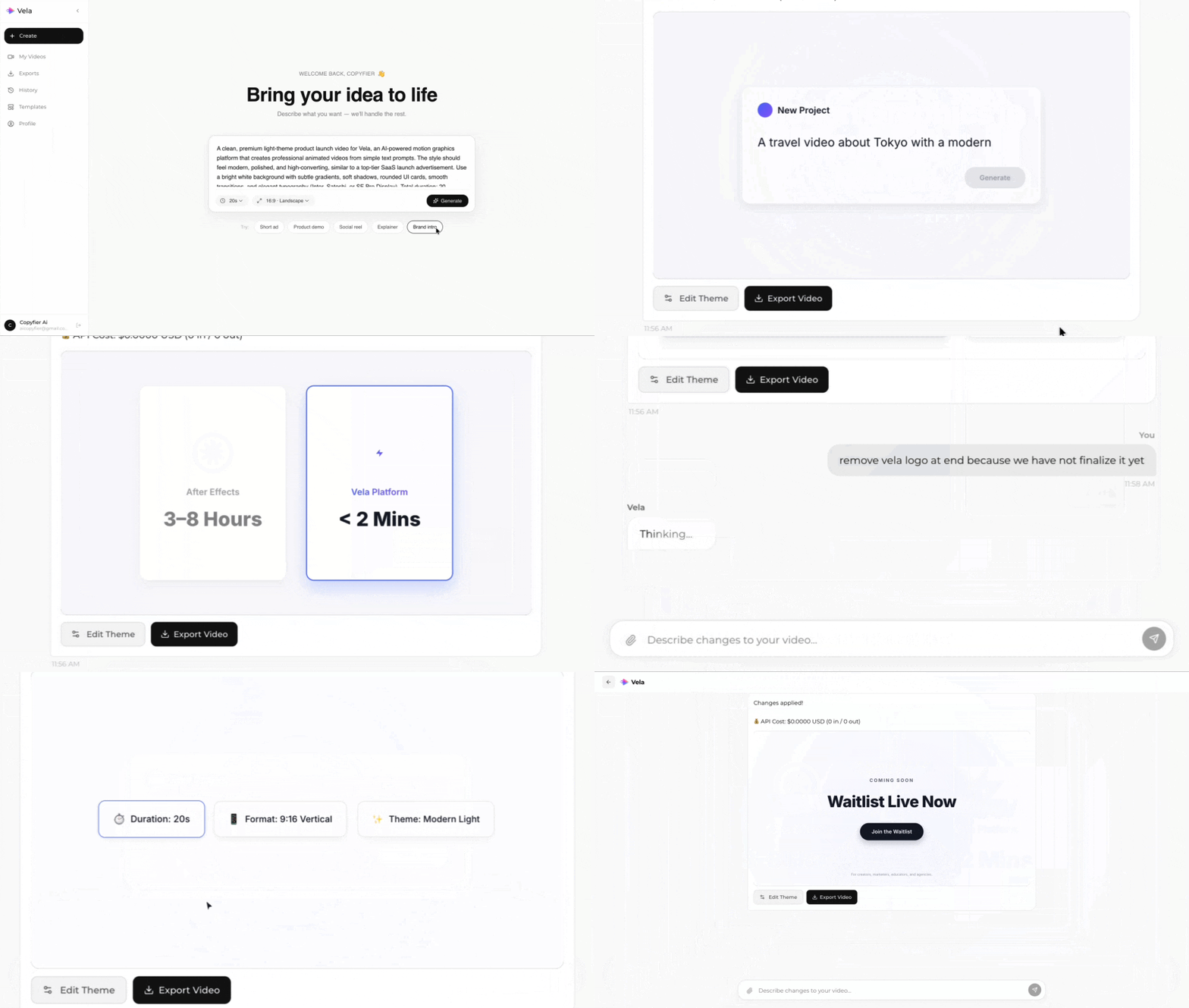
Type what you want. Vela creates the motion graphic. Refine by chatting.
Made with Vela
SaaS Launch
Map Animation
Explainer