Back to Blog
Alternative
Best Tools for Making "Year in Review" Recap Videos
Best tools for making year-in-review and Wrapped-style recap videos. Stats, milestones, and highlights beautifully animated.
V
Vela Team
Published · October 9, 2026
Create Your Own Wrapped-Style Recap
Year-in-review videos are among the most shared content every December. Whether you are a brand, creator, or organization, these tools help you create Spotify Wrapped-style recap videos.
Best Tools for Recap Videos
- Vela — AI-generated animated recap videos with counting stats and milestones
- Canva — simple animated year-in-review templates
- Biteable — template-based recap video creation
- Animoto — photo-based highlight reel videos
- Kapwing — online editor for compiling clips and adding effects
What to Include
- Key metrics — revenue, customers, followers, projects completed
- Top moments and milestones of the year
- Growth comparison — this year vs last year
- Thank-you message to customers, team, or community
- Preview of what is coming next year
Design Tips
- Use bold, vibrant gradients — inspired by Spotify Wrapped
- Animate numbers counting up for dramatic effect
- One stat per scene for maximum impact
- Add upbeat, celebratory background music
- Keep under 60 seconds for social sharing
Timing
Create and publish your year-in-review video between December 15 and January 7. This is the window when recap content gets the most engagement and shares.
How it works
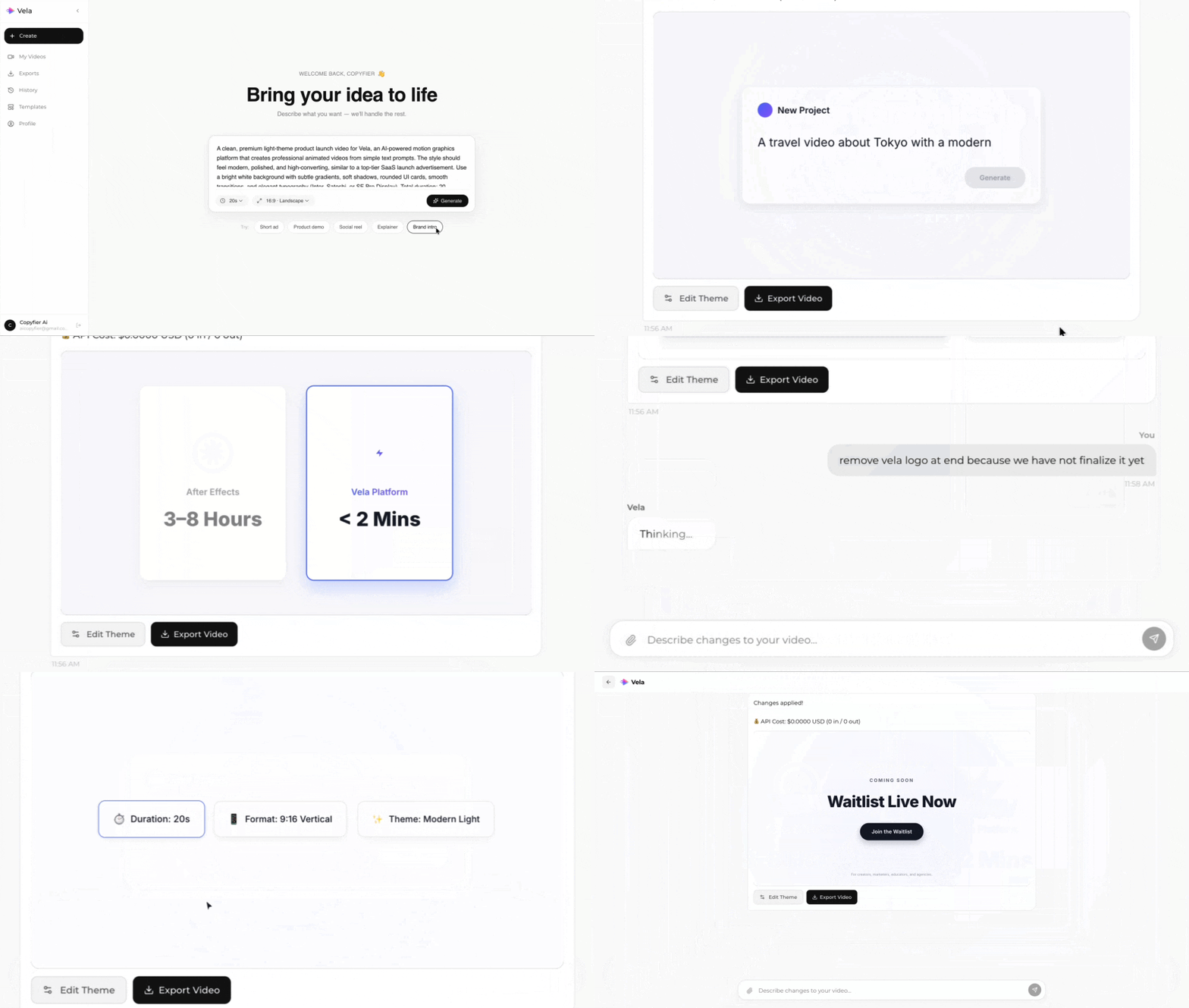
Type what you want. Vela creates the motion graphic. Refine by chatting.
Made with Vela
SaaS
SaaS Launch
Data Viz
Map Animation
Explainer
Explainer